
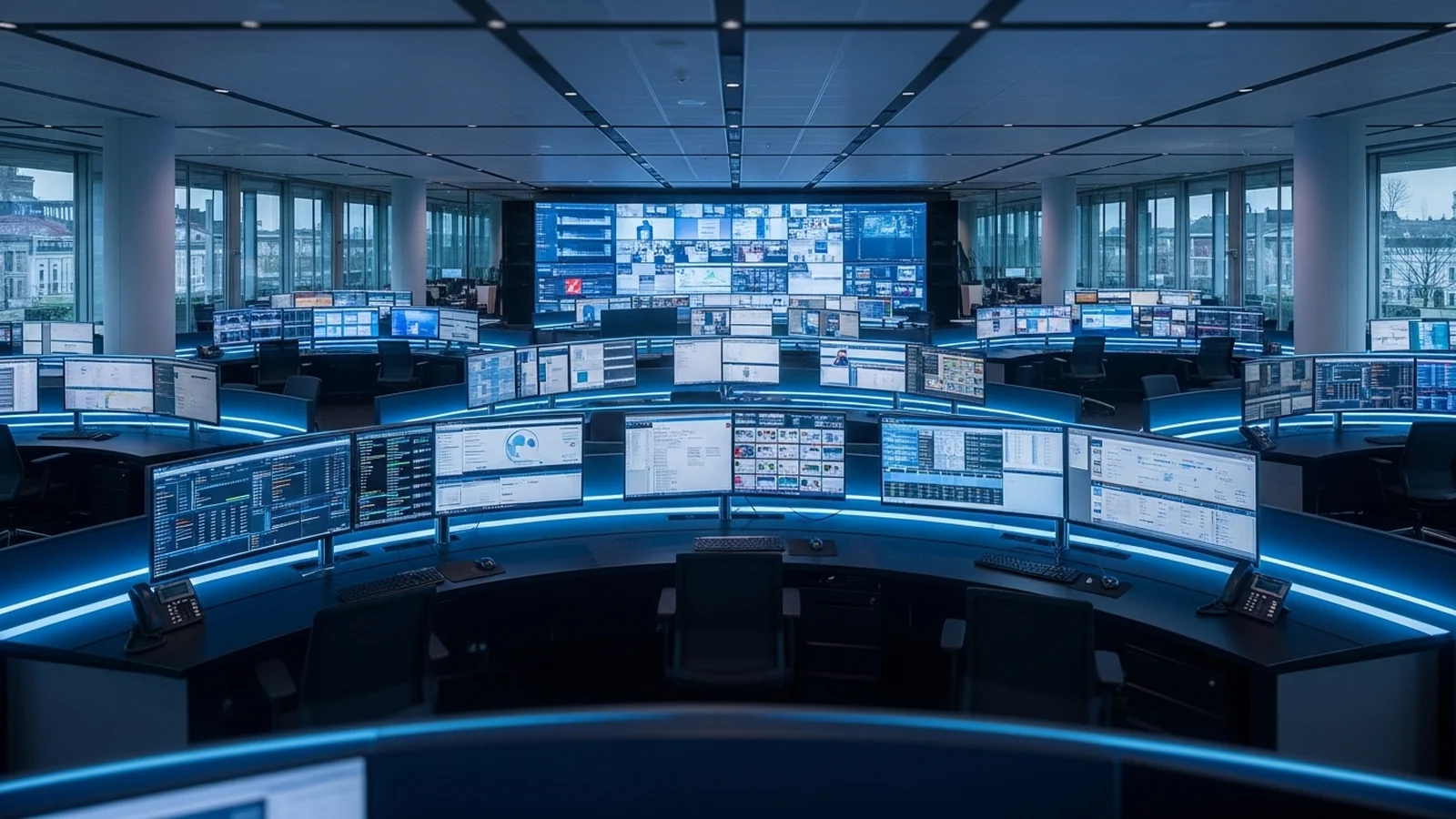
KVM-over-IP, defined


KVM-over-IP: Enterprise-Grade Console Management
Data centre administrators face a critical challenge: scaling console access across growing server environments without expensive infrastructure overhauls. Traditional KVM systems require physical cabling and dedicated hardware at each workstation, creating bottlenecks that limit flexibility and increase operational costs.
KVM-over-IP solves this by routing any server console to any desk across your network, eliminating re-cabling and enabling dynamic workspace reconfiguration. The technology leverages multicast protocols, requiring proper network configuration—including dedicated VLANs, IGMP Snooping, and QoS settings—to deliver clean, latency-free console access at enterprise scale.
G&D KVM-over-IP | NETGEAR AV
KVM-over-IP gives you what a direct connection cannot. Add a workstation without re-cabling. Route any source to any desk. Grow the matrix as the room grows. The cost is the network underneath it.
KVM-over-IP runs on multicast. To carry it cleanly, the switch needs a dedicated VLAN, an IGMP Snooping Querier, and QoS, each set correctly. Done by hand, that is port by port, switch by switch. Miss one setting and the video stutters, or the multicast stream floods every port on the segment. That network work, not the KVM, is what slows most IP KVM projects.
KVM-over-IP, defined
The deployment step that disappears
Manual configuration
- Create a dedicated VLAN
- Set the IGMP Snooping Querier
- Apply QoS priority rules
- Configure multicast filtering
- Repeat on every switch in the path
One miss causes stutter or a flood.
G&D profile applied
- Assign one KVM-over-IP profile to a port or segment
- VLAN activated automatically
- IGMP Snooping Querier activated
- QoS and related settings activated
- Repeatable across the NETGEAR AV Line infrastructure
Close to plug-and-play.
G&D and NETGEAR AV have removed that step. The G&D KVM-over-IP plugin sits inside the NETGEAR AV ecosystem. Assign a G&D profile to a switch port or to a whole segment of NETGEAR AV Line infrastructure. The plugin activates the dedicated VLAN, the IGMP Snooping Querier, the QoS, and the related settings automatically. G&D describes the result as close to plug-and-play.
Why the network configuration carries the risk
With a direct G&D connection, the signal path is the hardware. With KVM-over-IP, signal distribution moves onto the network. Configure the network wrong and the KVM cannot hold the latency and image quality the operator expects. A profile that sets the network correctly every time closes that gap.
What the two companies bring
| # | Capability | What it does |
|---|---|---|
| [1] | KVM-over-IP profile | One profile applied to a port or a segment of NETGEAR AV Line infrastructure. Replaces the manual switch checklist. |
| [2] | Automatic network settings | Dedicated VLAN, IGMP Snooping Querier, and QoS activated by the plugin. Fewer settings to get wrong, fewer to document. |
| [3] | bluedec video | G&D compression for control rooms. High image quality at near-zero latency over the IP network. |
| [4] | FreeSeating and CrossDisplay-Switching | Any operator logs in at any desk. Switch sources by moving the mouse across displays. Workflow stays the same on IP as on direct KVM. |
| [5] | PoE++ and redundancy | NETGEAR AV switching adds PoE++, switch redundancy, and central management through one GUI. G&D adds DirectRedundancyShield for failover. |
G&D has built KVM since 1985, 40 years of work in control rooms, broadcast, and air traffic environments. The NETGEAR AV partnership applies that experience to the part of an IP KVM project that usually takes the most setup time: the switch.
Enova Technologies is an authorised G&D partner in Singapore. We can scope a KVM-over-IP build for your control room and show where the NETGEAR AV plugin removes the manual network step.
Ask about G&D KVM-over-IP →Frequently asked questions
What slows down most KVM-over-IP deployments?
The network configuration, not the KVM hardware. KVM-over-IP runs on multicast, so each switch needs a dedicated VLAN, an IGMP Snooping Querier, and QoS set correctly. Configured by hand, that is repeated port by port and switch by switch. A single missed setting can cause stuttering video or flood the multicast stream across every port on the segment.
What is the G&D KVM-over-IP plugin for NETGEAR AV?
It is a plugin that sits inside the NETGEAR AV ecosystem and lets an administrator assign a G&D KVM-over-IP profile to a switch port or to a larger segment of NETGEAR AV Line infrastructure. The plugin then activates the dedicated VLAN, the IGMP Snooping Querier, the QoS, and related settings automatically, instead of requiring each one to be configured by hand.
Why does network configuration matter so much for KVM-over-IP?
With a direct KVM connection the signal path is the hardware. With KVM-over-IP, signal distribution moves onto the network. If the network is configured incorrectly, the KVM cannot hold the latency and image quality that operators expect. The network foundation has to be correct before the system can perform.
What do VLAN, IGMP Snooping Querier, and QoS each do for KVM-over-IP?
The dedicated VLAN isolates KVM traffic from the rest of the network. The IGMP Snooping Querier directs each multicast stream only to the desks subscribed to it, rather than flooding every port. QoS keeps KVM frames ahead of other traffic so latency stays low. The G&D plugin sets all three.
What does G&D contribute and what does NETGEAR AV contribute?
G&D contributes the KVM technology: bluedec video compression for control rooms, near-zero latency, and workflow features such as FreeSeating and CrossDisplay-Switching, plus DirectRedundancyShield for failover. NETGEAR AV contributes the network infrastructure: AV-focused switching, PoE++, switch redundancy, and central management through one GUI.
Does KVM-over-IP change the operator workflow?
No. With G&D features such as FreeSeating and CrossDisplay-Switching, an operator can log in at any desk and switch sources by moving the mouse across displays. The day-to-day workflow stays the same on IP as it is on a direct KVM connection.
Published by
eNOVA Technologies is Singapore's specialist distributor for data centre IT management solutions, representing Adder, Guntermann & Drunck, Raritan, Sunbird, ZPE Systems, and VuWall across Singapore and Southeast Asia. Our technical content is produced with AI assistance and reviewed by our in-house team before publication.
This article was produced with AI assistance and reviewed by the eNOVA Technologies team. All technical claims are verified against manufacturer documentation.