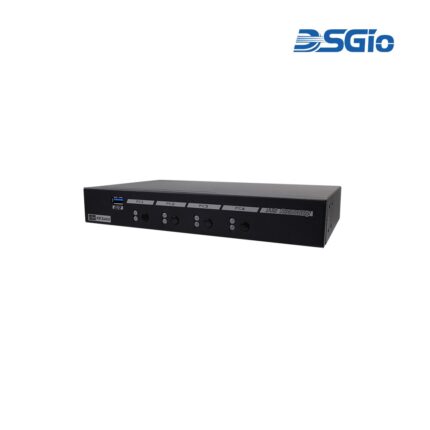









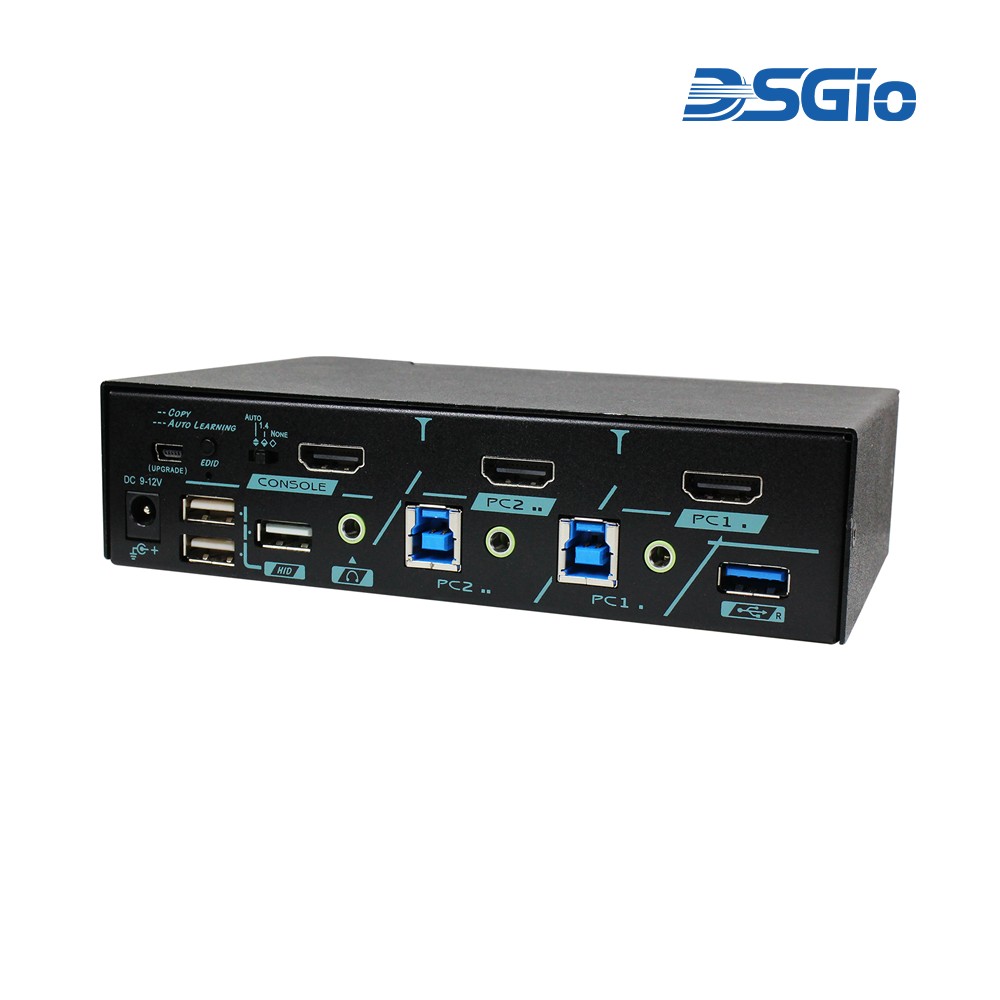
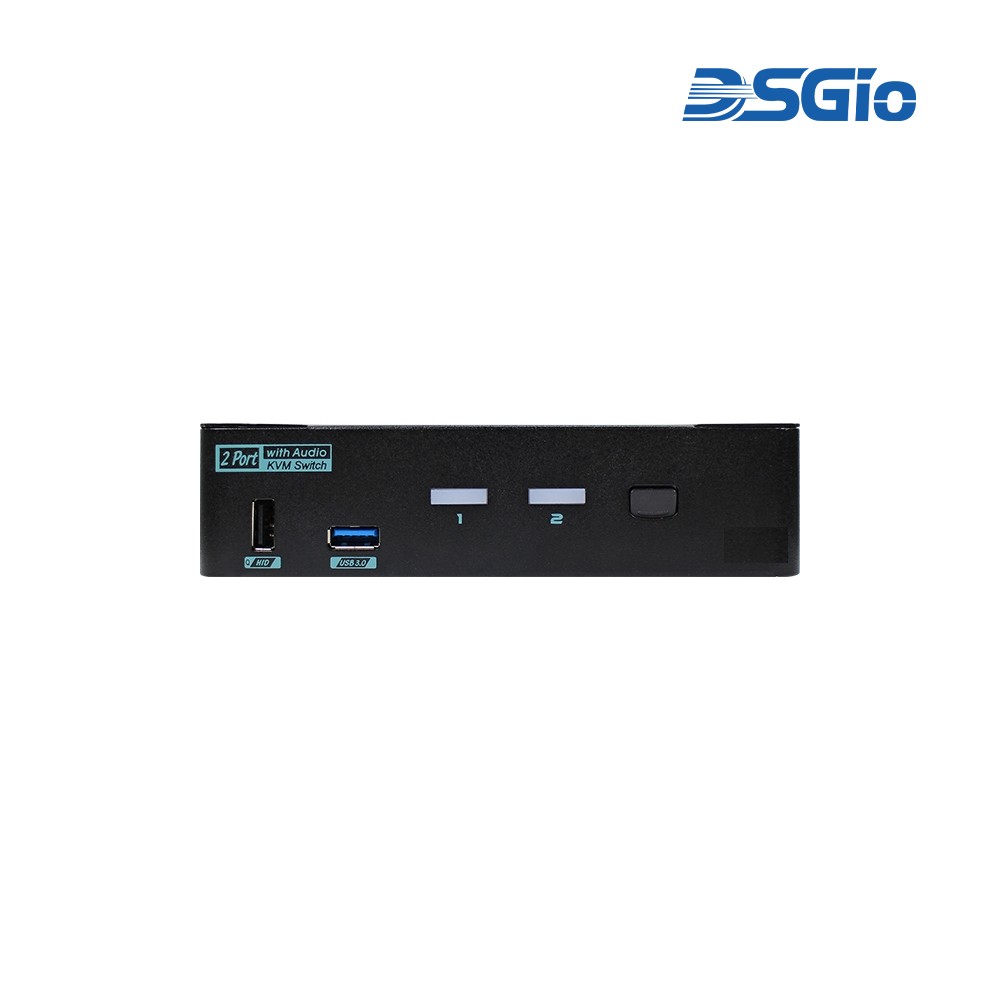
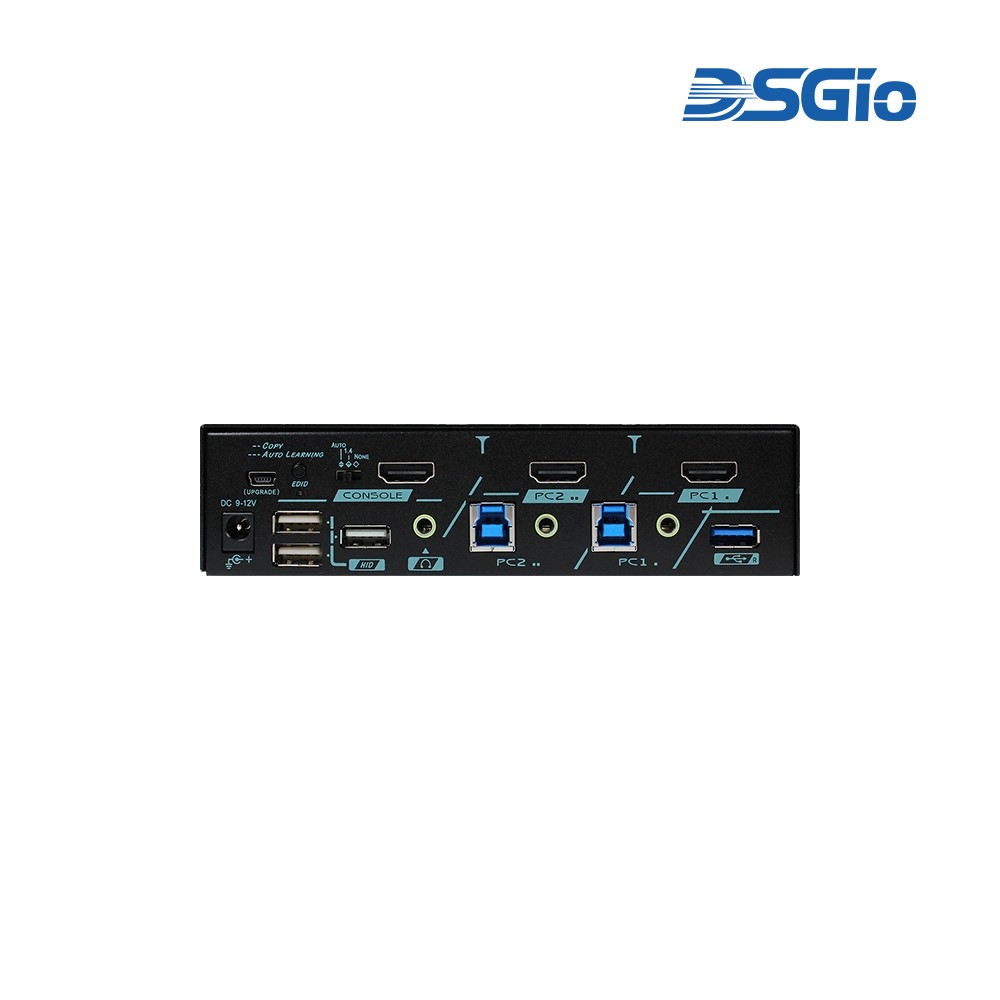
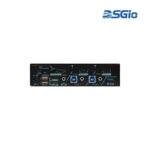

DKS-4K2H-U30 2-Port 4K60 HDMI KVM Switch with USB 3.0
Contact for Price
The 2-Port True 4K HDMI 2.0 KVM Switch enables control of two computers with a single keyboard, mouse, and monitor, supporting 4K@60Hz resolutions with HDR10.
| Brand | DSGIO |
|---|
Part number: DKS-4K2H-U30
SKU:
DKS-4K2H-U30
Category: KVM Switches
Description
Technical Specifications
| Maximum Resolution | 4K@60Hz (4:4:4) |
| Video Standard | HDMI 2.0 |
| HDCP Compliance | HDCP 2.2 and 1.4 |
| HDR Support | HDR10 |
| Computer Inputs | 2 HDMI |
| USB Speed | 5Gbps (USB 3.2 Gen 1) |
| Audio | 3.5mm stereo analog and digital audio |
| Switching Methods | Front push button, hotkey control |
| EDID | Copy and Auto modes; HDCP slide switch with 3 presets (Auto/1.4/None) |
| Installation | Plug-and-play, no software or drivers required |
Source: DSGIO — DKS-4K2H-U30 2-Port 4K60 HDMI KVM Switch with USB 3.0. Verify with manufacturer.
Source: DSGIO — DKS-4K2H-U30. Verify with manufacturer.
Shipping & Delivery
Related products
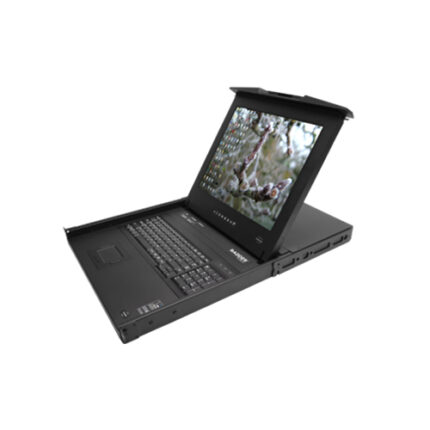
AdderView Rack Tray, 19″ LCD integrated AVX1016 KVM Switch and CATx extender (RD1916)
The ADDERView RDX 1000 is a complete server room solution with local and remote management.The 1U keyboard tray is available in most keyboard language layouts and features either a 17 inch or 19 inch premium quality Samsung SXGA 1280 x 1024 TFT LCD panel with touch-pad control and advanced OSD for device selection.Control 16 computers directly from the tray together with a remote user. Expands to support up to 256 computers using CATx 1000 switches.Key Features:
- One Local & Remote User
- Integrated CATx Extender
- True Multi-Platform Capability and Connectivity
- Faultless Video Quality
- RS232 Port
- Configuration and Extension
KMS-U304 4 Ports KM (USB) Switch with USB HID, USB 3.0, Audio and Hotkey Switching, and Mouse Roaming function(KMS-U304)
4 Ports KM (USB) Switch with USB HID, USB 3.0, Audio and Hotkey Switching, and Mouse Roaming functionThe KM (USB) Switch, KMS-U304, allows users to share one set of keyboard, mouse, audio, and USB peripherals among 4 USB computers. Simply press a button, issue hotkey commands or moving the mouse cursor across the screen borders to select your desired PC for access control.