









MCD-116
Contact for Price
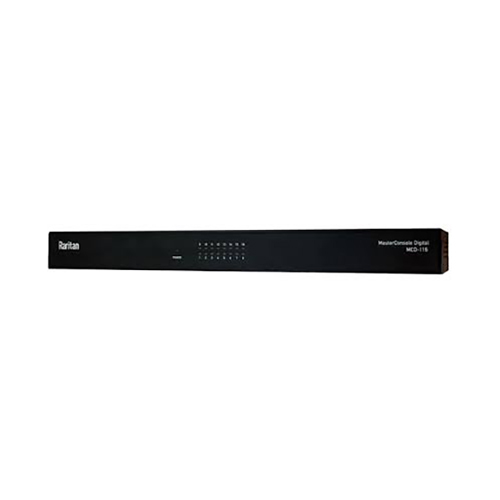
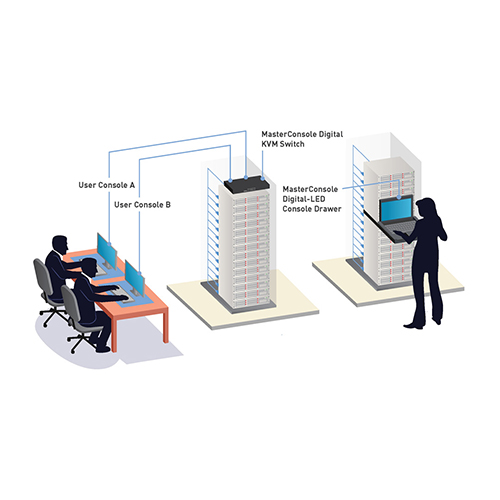
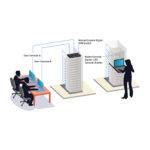
MasterConsole Digital CAT5 KVM Switch, 16-port, one user, DVI+USB+Audio console
| Brand | Raritan |
|---|
Part number: MCD-116
SKU:
MCD-116
Category: KVM Switches
Description
MasterConsole Digital CAT5 KVM Switch, 16-port, one user, DVI+USB+Audio console
Shipping & Delivery
Related products
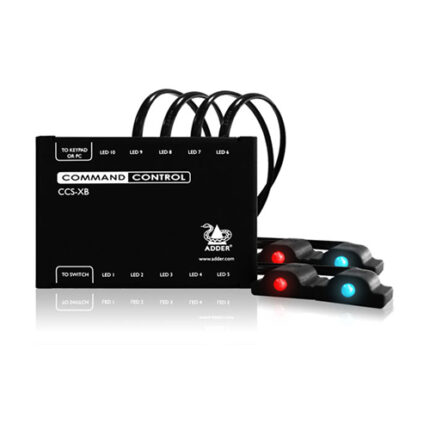
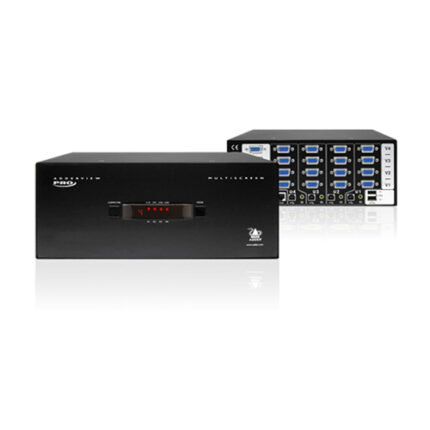
Adder ADDERView 4 PRO VGA Video & Peripheral Switch (Four Video Heads) (AV4PRO-VGA-QUAD)
Adder AV4PRO-VGA-QUAD
Key Features
- Control Four Computers with One Mouse
- Supports Four Video Heads per Channel
- Supports VGA Video
- Supports Resolutions up to 1920 x 1440
- True Emulation Technology
- EDID Emulation
- Multiple Switching
- Supports USB Peripherals
- USB Remote Wakeup
- Supports Windows, Mac, Linux, UNIX, Sun
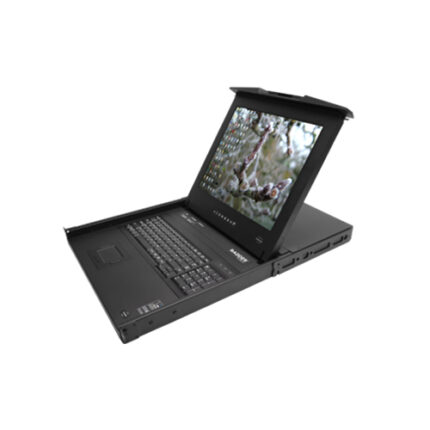
AdderView Rack Tray, 19″ LCD integrated AVX5016IP KVM Switch over 4 IP users (RD1916QIP)
High density rack tray with fully featured USB, PS/2, Sun and Video control for critical environments.Key Features
- 4 simultaneous IP users
- Multi-platform capability and connectivity
- Serial console server (SCS)
- LDAP integration plus ADDER.Net management software
- RS232 port
- Ecopulse circuitry
- Encryption and authentication
- Intelligent video thresholding
- Flexible screen scaling
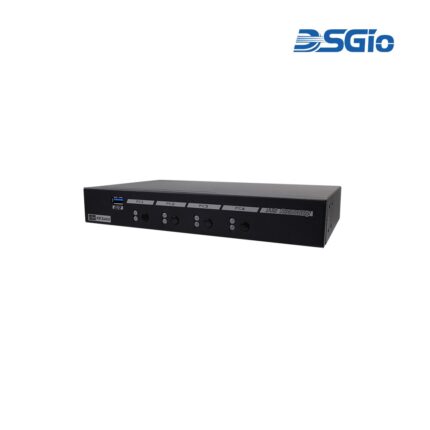
KMS-U204 4 Ports KM (USB) Switch with USB HID, USB 2.0, Audio and Hotkey Switching, and Mouse Roaming function (KMS-U204)
4 Ports KM (USB) Switch with USB HID, USB 2.0, Audio and Hotkey Switching, and Mouse Roaming functionThe KM (USB) Switch, KMS-U204, allows users to share one set of keyboard, mouse, audio, and USB peripherals among 4 USB computers. Simply press a button, issue hotkey commands or move the mouse cursor across the screen borders to select your desired PC for access control.
KMS-U304 4 Ports KM (USB) Switch with USB HID, USB 3.0, Audio and Hotkey Switching, and Mouse Roaming function(KMS-U304)
4 Ports KM (USB) Switch with USB HID, USB 3.0, Audio and Hotkey Switching, and Mouse Roaming functionThe KM (USB) Switch, KMS-U304, allows users to share one set of keyboard, mouse, audio, and USB peripherals among 4 USB computers. Simply press a button, issue hotkey commands or moving the mouse cursor across the screen borders to select your desired PC for access control.