



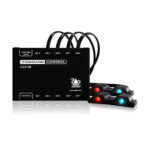





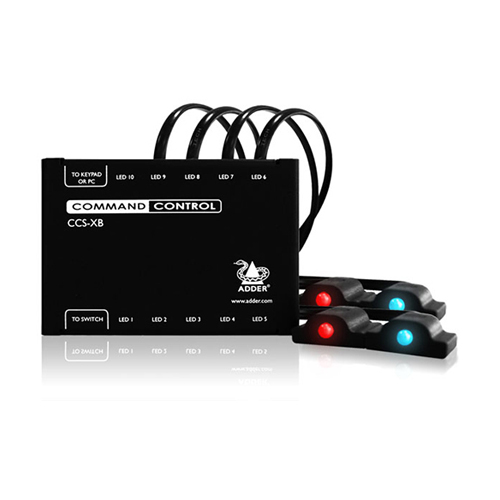

8 channel Command and Control LED ID Expansion Box
| Brand | Adder |
|---|
Part number: CCS-XB8
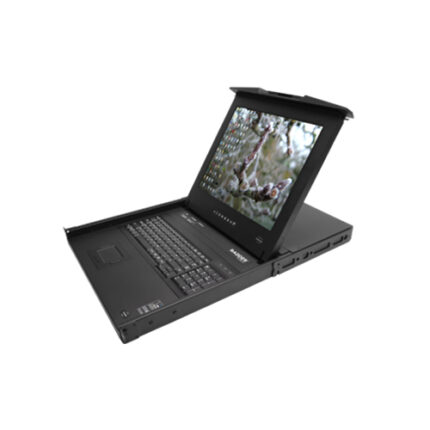
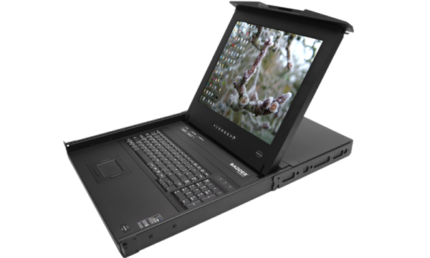
The ADDERView RDX 1000 is a complete server room solution with local and remote management.
The 1U keyboard tray is available in most keyboard language layouts and features either a 17 inch or 19 inch premium quality Samsung SXGA 1280 x 1024 TFT LCD panel with touch-pad control and advanced OSD for device selection.
Control 16 computers directly from the tray together with a remote user. Expands to support up to 256 computers using CATx 1000 switches.
Key Features:
High density rack tray with fully featured USB, PS/2, Sun and Video control for critical environments.
Key Features
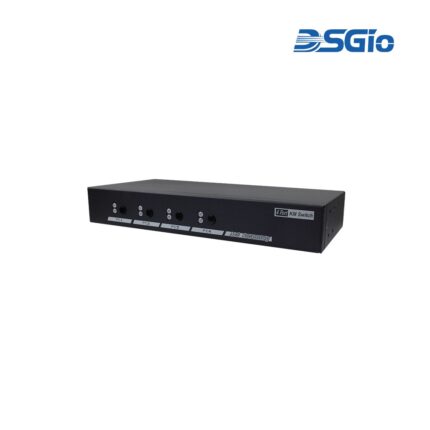
4 Ports KM (USB) Switch with USB HID, USB 2.0, Audio and Hotkey Switching, and Mouse Roaming function
The KM (USB) Switch, KMS-U204, allows users to share one set of keyboard, mouse, audio, and USB peripherals among 4 USB computers. Simply press a button, issue hotkey commands or move the mouse cursor across the screen borders to select your desired PC for access control.