


The case for removing the walk

IP KVM Console Access: Eliminating Physical Data Centre Visits
When critical servers go offline, traditional out-of-band access requires physical presence in the data centre. A two-minute console fix becomes a time-consuming journey across distributed infrastructure, from comms rooms on different floors to DR sites across town. This operational friction costs enterprises hours of downtime annually.
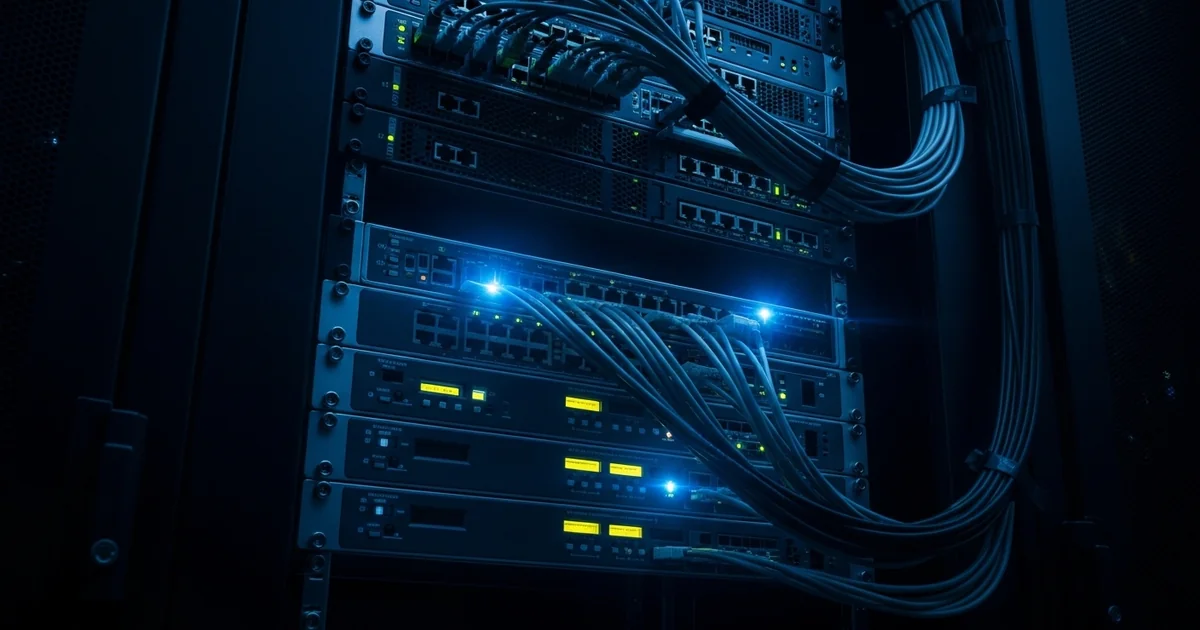
IP KVM console solutions provide remote, out-of-band access when in-band tools like RDP, SSH, and vCenter fail with the network. Technicians can troubleshoot server hangs, perform emergency reboots, and execute BIOS-level fixes from anywhere, eliminating the walk and reducing mean time to recovery for mission-critical systems.
A server hangs at 2 am. The fix takes two minutes at the console. Reaching the console takes a drive, a badge, and a walk to the far end of the data hall.
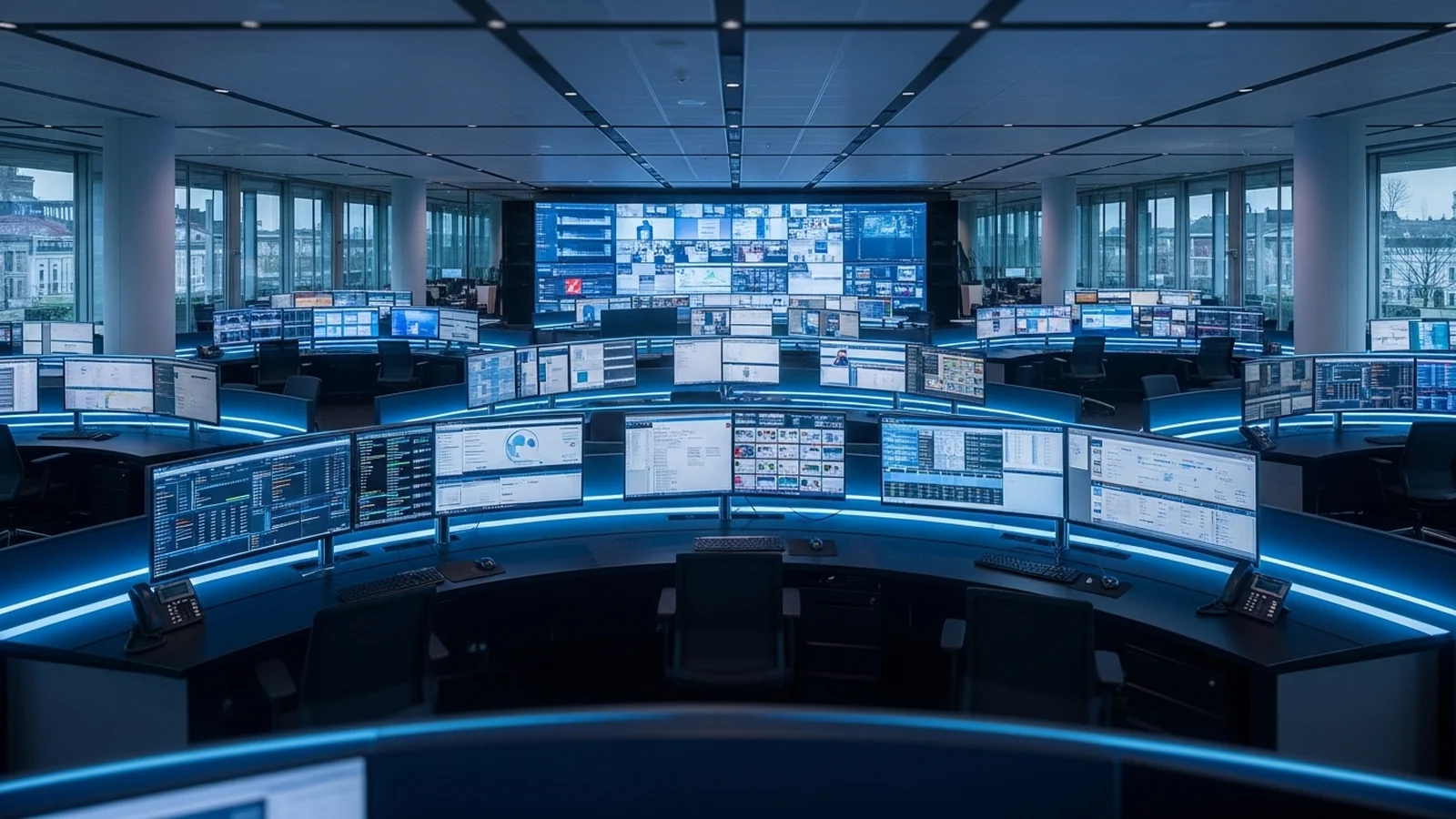
Most enterprise estates are distributed: a main server room, comms rooms on other floors, a DR site across town. When a machine drops off the network, in-band tools (RDP, SSH, vCenter) drop with it. What remains is the physical console, so someone walks. At 200 servers, those walks add up to a measurable share of the team’s week.
What is IP KVM? IP KVM (keyboard, video, mouse over Internet Protocol) extends a computer’s physical console across a standard IP network. A transmitter connects to the server’s video and USB ports and a receiver sits at the user’s desk. Because the connection is made at the hardware level rather than through software running on the operating system, the user sees everything a local monitor would show: BIOS screens, RAID configuration, boot sequences, and crash states.
The case for removing the walk
RDP, SSH, and hypervisor consoles all share one dependency: the machine must be up and on the network. The failures that force a site visit are exactly the ones where it is not. A hung hypervisor, a failed boot, a firmware update that needs BIOS access. The OS is gone, and the software tools went with it.
IP KVM connects below all of that. The transmitter captures video output and presents keyboard and mouse as USB devices, so a machine that has crashed completely still shows its console to the engineer. No agent to install, nothing to break when the OS does.
ADDERLink INFINITY, Adder Technology’s IP KVM platform, runs on existing 1Gb Ethernet. It works point-to-point between two rooms or as a matrix giving thousands of users access across buildings and sites. Video is lossless with 1:1 pixel mapping, HD to 4K, so the remote console behaves like the local one. That matters when you are reading a hex dump off a crash screen.
AIM 6: the rebuilt management layer
Scale is a management problem before it is a bandwidth problem. Two hundred endpoints and dozens of users need access control, visibility, and fast switching. This is the layer Adder has just rebuilt.
AIM 6, announced in April 2026, is a ground-up redesign of the ADDERLink INFINITY Manager software. Administrators get a real-time view of every user, device, and connection in the matrix, a redesigned interface, and stronger front-end protection and user access management. Operators get an improved on-screen display for switching between systems. ADDERLink INFINITY Manager servers ship with AIM 6 preinstalled from June 2026, and existing deployments on AIM 5.5 or later can upgrade now via early access.
We’ve rethought how users interact with the system at every level, giving administrators clearer insight and faster control, while making the desktop experience more responsive and intuitive.
John Halksworth, Senior Product Manager, Adder Technology
What replaces the walk
Where serial console servers still fit
Serial console servers still earn their rack space: they cover switches, routers, and headless Linux over RS-232. But virtualisation hosts, Windows servers, and GPU nodes report their failures on a screen. IP KVM carries that screen to the engineer, wherever the engineer is. Most estates end up running both, each covering the devices the other cannot.
Frequently asked questions
What is IP KVM?
IP KVM extends a computer’s keyboard, video, and mouse console across a standard IP network. A transmitter connects to the server’s video and USB ports, a receiver sits at the user’s desk, and the user controls the machine as if sitting in front of it.
How is IP KVM different from RDP or SSH?
RDP and SSH are software services that depend on a running operating system and a working network stack on the target machine. IP KVM connects at the hardware level, so it keeps working when the OS has crashed, the machine is mid-boot, or the network stack is down.
Can IP KVM reach the BIOS of a server?
Yes. Because the transmitter captures the video output directly and presents keyboard and mouse as USB hardware, the engineer sees and controls everything from power-on: BIOS and UEFI screens, RAID controller configuration, and the full boot sequence.
What network does ADDERLink INFINITY need?
Standard 1Gb Ethernet. ADDERLink INFINITY works point-to-point or as a matrix over an existing IP network, with no proprietary cabling. Reach is limited only by the network itself.
What is AIM 6 and when is it available?
AIM 6 is the latest release of Adder’s ADDERLink INFINITY Manager software, announced in April 2026. It adds real-time visibility of users, devices, and connections, a redesigned interface, and stronger access management. New Manager servers ship with AIM 6 preinstalled from June 2026, and systems on AIM 5.5 or later can upgrade via early access.
Does IP KVM replace a serial console server?
No. Serial console servers cover devices managed over RS-232, such as switches, routers, and headless appliances. IP KVM covers machines with a graphical console. Most distributed estates run both, each covering the devices the other cannot reach.
Enova is an authorised Adder partner in Singapore. If your team still walks to consoles across rooms, floors, or sites, we can scope an ADDERLink INFINITY deployment for your estate.
Ask about Adder IP KVM →
Published by
eNOVA Technologies is Singapore's specialist distributor for data centre IT management solutions, representing Adder, Guntermann & Drunck, Raritan, Sunbird, ZPE Systems, and VuWall across Singapore and Southeast Asia. Our technical content is produced with AI assistance and reviewed by our in-house team before publication.
This article was produced with AI assistance and reviewed by the eNOVA Technologies team. All technical claims are verified against manufacturer documentation.