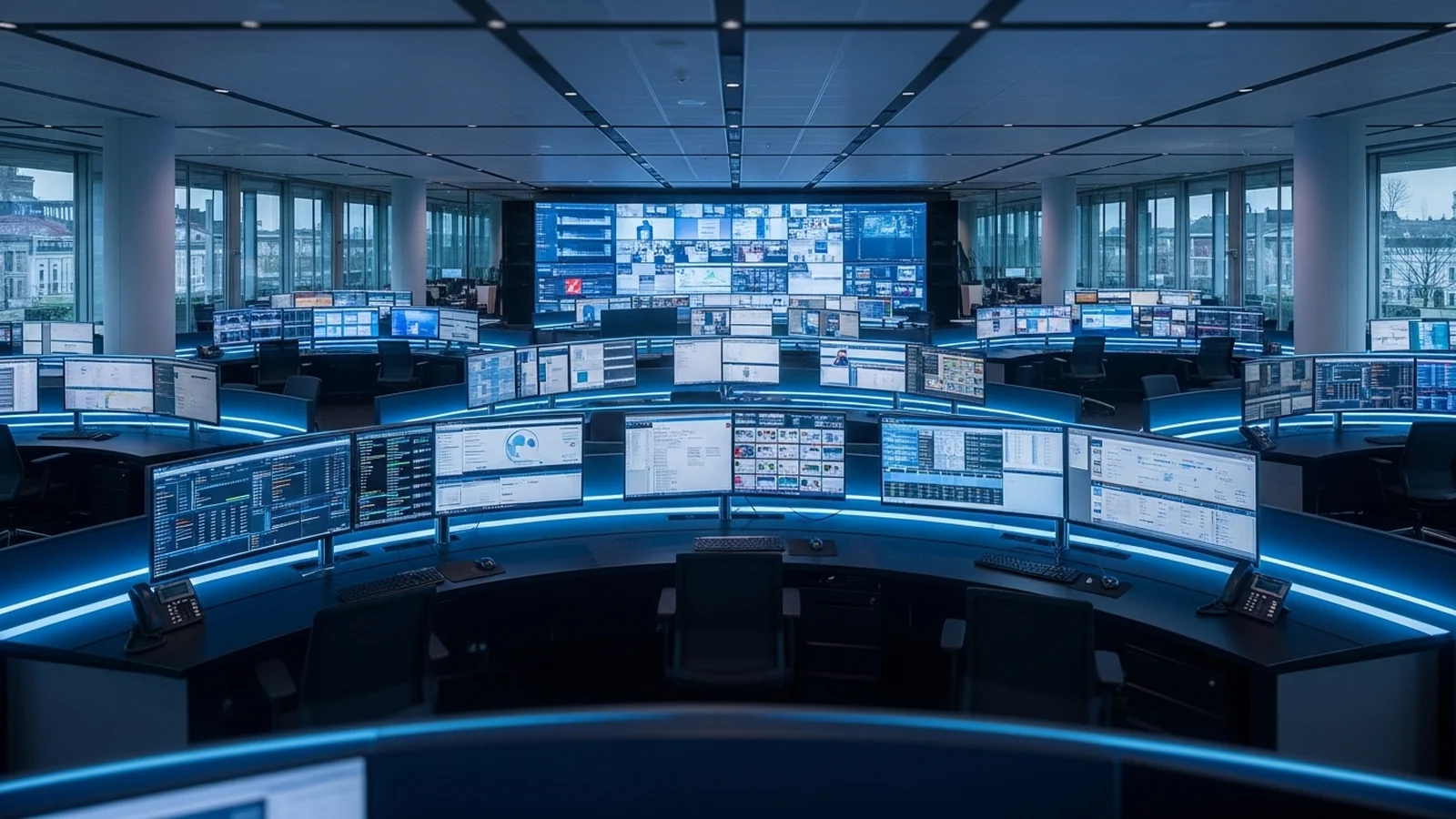
More sources than screens

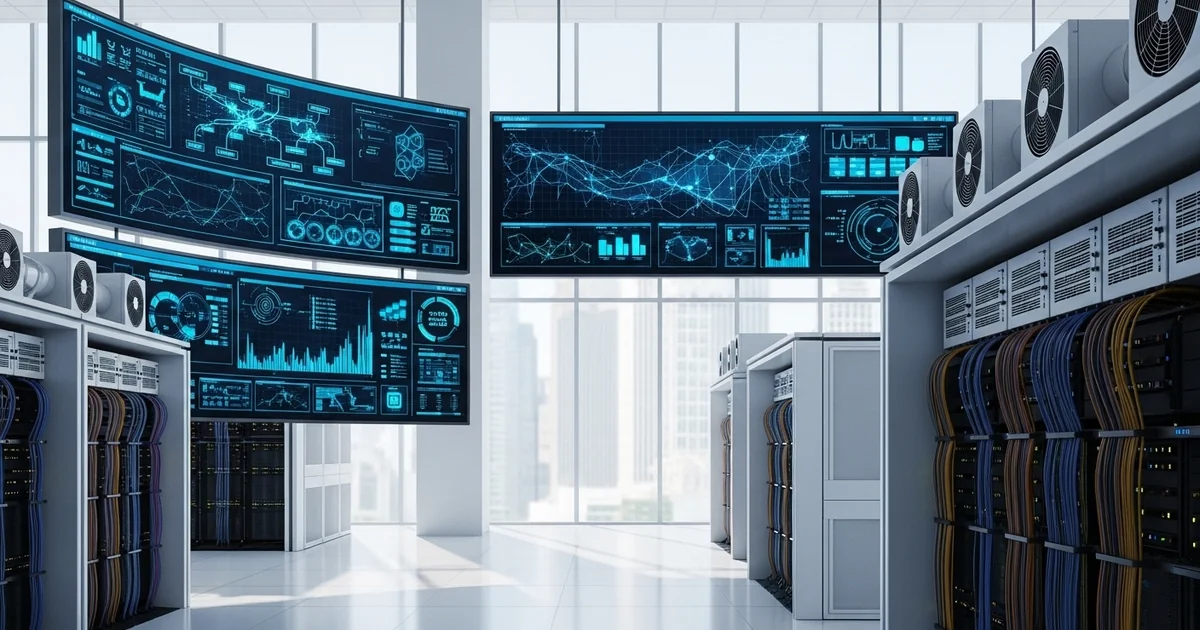
Unified Video Wall Solutions for Control Rooms
Industrial control rooms rely on multiple data sources—CCTV feeds, SCADA systems, HMI screens, production dashboards, and external data streams—often requiring separate switchers and cabling. Managing these fragmented systems creates operational complexity, increases infrastructure costs, and limits flexibility when monitoring critical plant operations.
A unified video wall platform consolidates all sources into a single, seamless display architecture. This eliminates redundant switching equipment, reduces cabling overhead, and enables operators to route any input to any screen in real-time, improving response times and situational awareness across your data centre or industrial facility.
An industrial control room watches more sources than it has screens. CCTV from the perimeter and the plant floor. SCADA and HMI screens from the process. Production dashboards, alarm panels, weather and grid feeds. Each system often arrives with its own switcher, its own cabling, and its own way of getting onto the wall.
A unified video wall collapses that into one platform. Any source routes to any display from a single interface, by drag and drop, with no programming per source. The operator stops tracking which box feeds which screen and starts tracking the process.
A unified video wall management platform is software that routes any source to any display from one interface, rather than giving each system its own switcher and cabling. VuWall TRx combines AV-over-IP distribution, multi-video-wall control and KVM management in one platform. Operators route cameras, encoders, Windows applications, web dashboards and IP streams by drag and drop, with no per-source programming, and one platform can install and service hundreds of sources.
More sources than screens
An industrial control room rarely has a source problem it can solve by adding monitors. The systems multiply faster than the wall. A manufacturing operations centre tracks line cameras, process HMIs and quality dashboards. A utility control room adds grid telemetry and field CCTV. A security operations room runs dozens of camera feeds at once. Putting each system on its own switcher and cabling run turns the room into a patchwork that is hard to change and harder to extend.
One platform that routes any source to any display removes that constraint. The operator moves a camera, a SCADA screen or a dashboard onto any part of the wall as the situation changes, without reaching for a different controller for each source type.
Why the architecture matters more in OT
A plant control room runs around the clock and cannot pause for a reboot. That raises the cost of a single point of failure. TRx uses a node-based design built on VuWall PAK processors. Each PAK is a networked decode node that can run standalone or be stitched with others to build the wall. No central processor drives every screen, so one node dropping out costs part of the wall rather than the whole room. Adding capacity means stitching another node, not replacing the platform.
Security operations in the same room
Physical security often shares the industrial control room, and TRx plugs into the VMS the team already runs. Certified integrations with Genetec Security Center and Milestone XProtect let an operator move a camera onto the wall from inside the VMS, without switching applications. The TRx management platform is SOC 2 Type II compliant.
- [1]Any source to any display: cameras, encoders, applications, dashboards and IP streams, by drag and drop
- [2]Node-based scaling: 32 HD streams and up to two 4K outputs per PAK, stitch nodes to match source count
- [3]No single point of failure: one node failing costs part of the wall, not the whole room
- [4]VMS integration: certified plugins for Genetec Security Center and Milestone XProtect
- [5]KVM at the desk: take keyboard and mouse control of an IP source from any station
The right question for a control room wall
Resolution sells video walls, but it is rarely what limits a control room. The limit is how many sources an operator can put in front of themselves, how easily the platform grows as systems are added, and what happens to the view when one box fails. A unified, node-based platform answers all three with the same architecture.
Frequently asked questions
A unified video wall management platform is software that routes any source to any display from one interface, instead of giving each system its own switcher and cabling. VuWall TRx combines AV-over-IP distribution, multi-video-wall control and KVM management in a single platform. Operators route cameras, encoders, Windows applications, web dashboards and IP streams to the wall by drag and drop, with no per-source programming, and one platform can install and service hundreds of sources.
An industrial control room watches more systems than it has screens. CCTV from the perimeter and the plant floor, SCADA and HMI screens from the process, production dashboards, alarm panels and external feeds all compete for the wall. Aggregating them onto one platform lets a small team keep eyes on every system at once, move any source to any screen as the situation changes, and avoid the cabling and switching sprawl of separate systems for each source type.
A node-based video wall is driven by several independent processors rather than one central controller. VuWall TRx uses PAK processors, where each PAK is a networked decode node that can run standalone or be stitched with others to build the wall. Because no single processor drives every screen, one node failing costs part of the wall rather than blacking out the whole room. For a control room that runs around the clock, that is the difference between a degraded view and a total loss of visibility.
Each VuWall PAK processor decodes up to 32 HD streams and drives up to four HD outputs or two 4K outputs. It supports open-standard codecs including H.264 and H.265, plus VuWall sources such as VuStream and VisionVS. PAK nodes stitch together to build larger walls, so capacity scales with the source count by adding nodes rather than replacing the platform. PAK is managed centrally by the TRx software.
Yes. VuWall TRx has certified integrations with Genetec Security Center and Milestone XProtect. The plugin lets a security operator move a camera or change wall content from inside the VMS interface they already monitor in, without switching to a separate application. For control rooms where physical security and process operations share a room, this keeps the operator in one tool. The TRx management platform is SOC 2 Type II compliant.
Yes. TRx includes KVM management, and PAK KVM lets an operator take keyboard and mouse control of an IP source from a personal station or a local display. The same platform that distributes sources to the shared wall also gives each operator control of the systems at their desk, so a control room does not need a separate KVM system alongside the video wall controller.
Enova Technologies is a VuWall partner in Singapore. Contact us to discuss a unified video wall for your manufacturing operations centre, utility control room, or security operations room.
Ask us about TRx for your control room
Published by
eNOVA Technologies is Singapore's specialist distributor for data centre IT management solutions, representing Adder, Guntermann & Drunck, Raritan, Sunbird, ZPE Systems, and VuWall across Singapore and Southeast Asia. Our technical content is produced with AI assistance and reviewed by our in-house team before publication.
This article was produced with AI assistance and reviewed by the eNOVA Technologies team. All technical claims are verified against manufacturer documentation.