


KVM Basics: KVM for Industrial Process Automation


G&D’s KVM solutions have been a mainstay in mission-critical control rooms for decades. With that type of longevity, we know a thing or two about how KVM systems can fit in just about any control room ecosystem. With engineers around the globe relying on our KVM solutions, it is important to have that know-how and to be able to share it with the world.
So, what exactly does KVM do? And what type of solutions can G&D provide especially for industrial process automation? If you are uninitiated into the concept of KVM, let us cover the basics and explain a bit about the benefits of KVM technology.
KVM Extenders
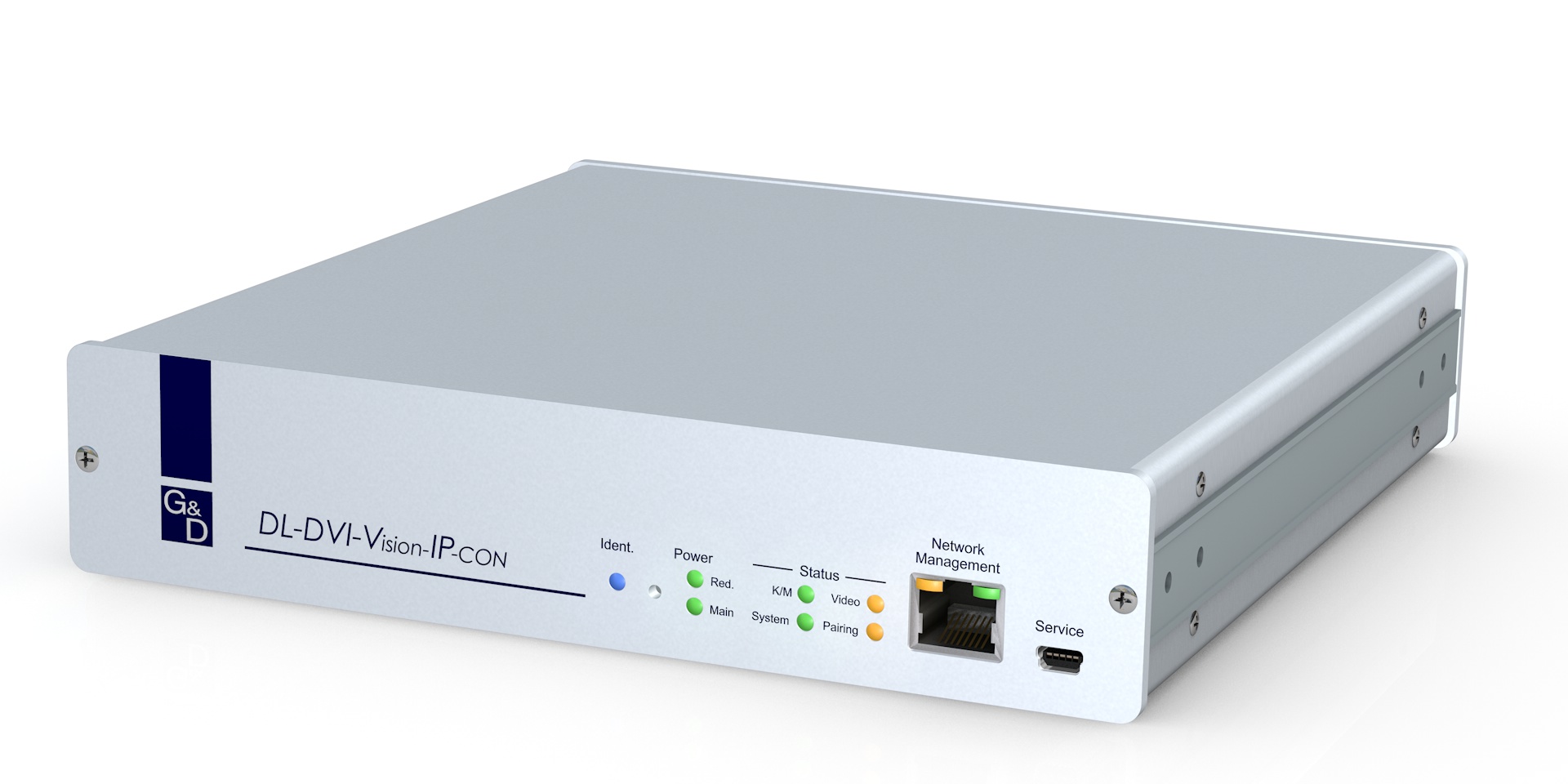
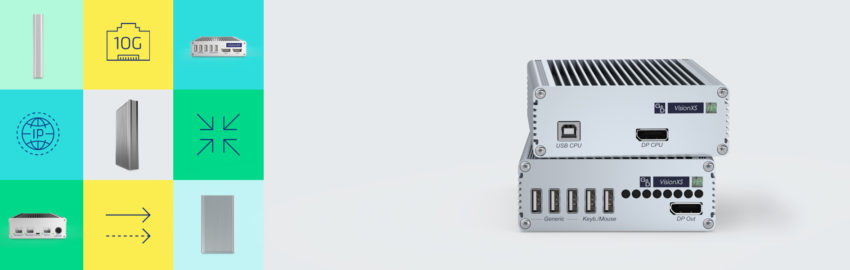
KVM extenders do exactly what the name implies. They extend a computer’s signal, which allows more flexibility in the control room. The devices help you to store computers in a temperature-controlled environment, thousands of feet away from your desk. This makes for less clutter in the control room and more efficient computer operations. Computers are stored access protected and even USB access can be limited. Administration no longer has to take place in the control environment and therefore doesn’t disturb the staff during work.
These extenders are also very flexible with inputs for DisplayPort, DVI, HDMI and VGA. Plus, with our incredibly broad range of products, you can extend your KVM systems via IP or with classical KVM.
KVM Switches
KVM switches let you operate several computers with only one mouse, one keyboard and up to four screens. This peripheral-saving solution increases user-friendliness and ergonomics at your workplace. In addition, these devices often form the basis for setting up redundant systems in different control room applications. By cascading several KVM switches, you can switch and operate up to 64 computers from one workstation.
KVM Matrix Systems
Digital KVM matrix switches let you operate multiple computers over multiple consoles (consisting of display, keyboard & mouse).
The systems consist of three components:
- A central module, which connects user consoles and computers
- Computer modules, which forward signals from computers to the matrix
- User modules to connect the consoles on which users work
Depending on the requirements, you can choose between compact and modular central modules. Both, computer modules and console modules are available for all common video signals and provide various features to adjust your system to your individual requirements.
Another great benefit of a matrix system is that it makes redundancy much simpler. Redundancy is key when it comes to keeping your work safe and ensuring it will never be lost. This is especially handy in 24/7, mission-critical control room environments that require safety and security.
Control Room Environments
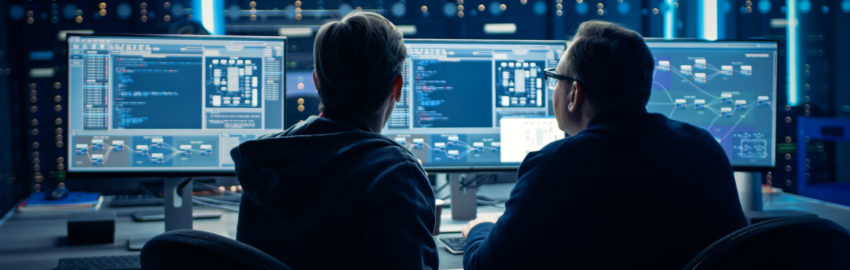
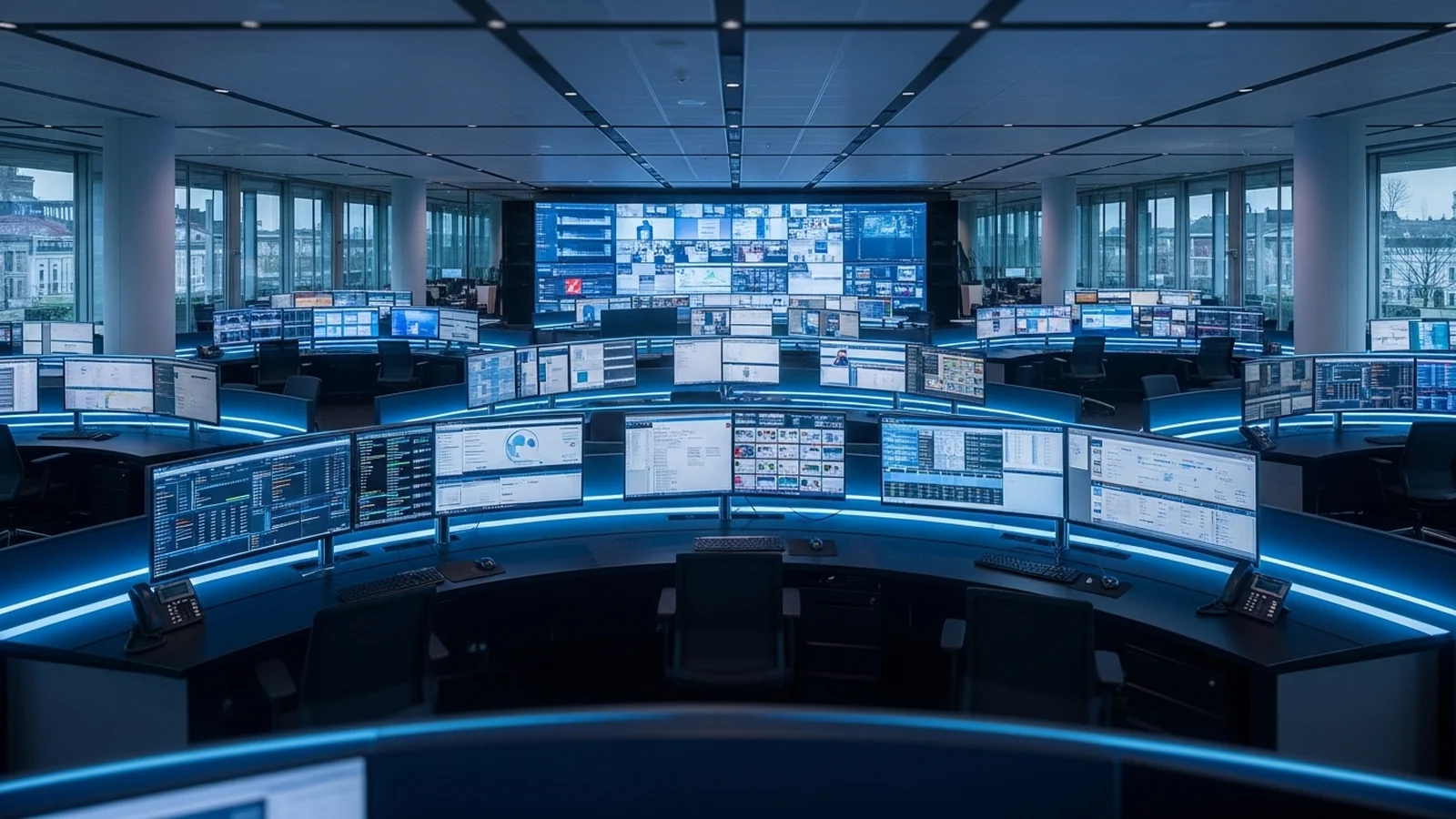
Control rooms demand reliable computers that are always available. Running and monitoring many processes requires many computers. And control rooms apply professional leading-edge IT solutions, which G&D can provide. Some industrial benefits of utilizing G&D KVM solutions in control rooms are:
- Professional visualization
- Independent of soft- and hardware platforms
- Transmission without latencies
- High availability
- Redundancy
- Easy operation
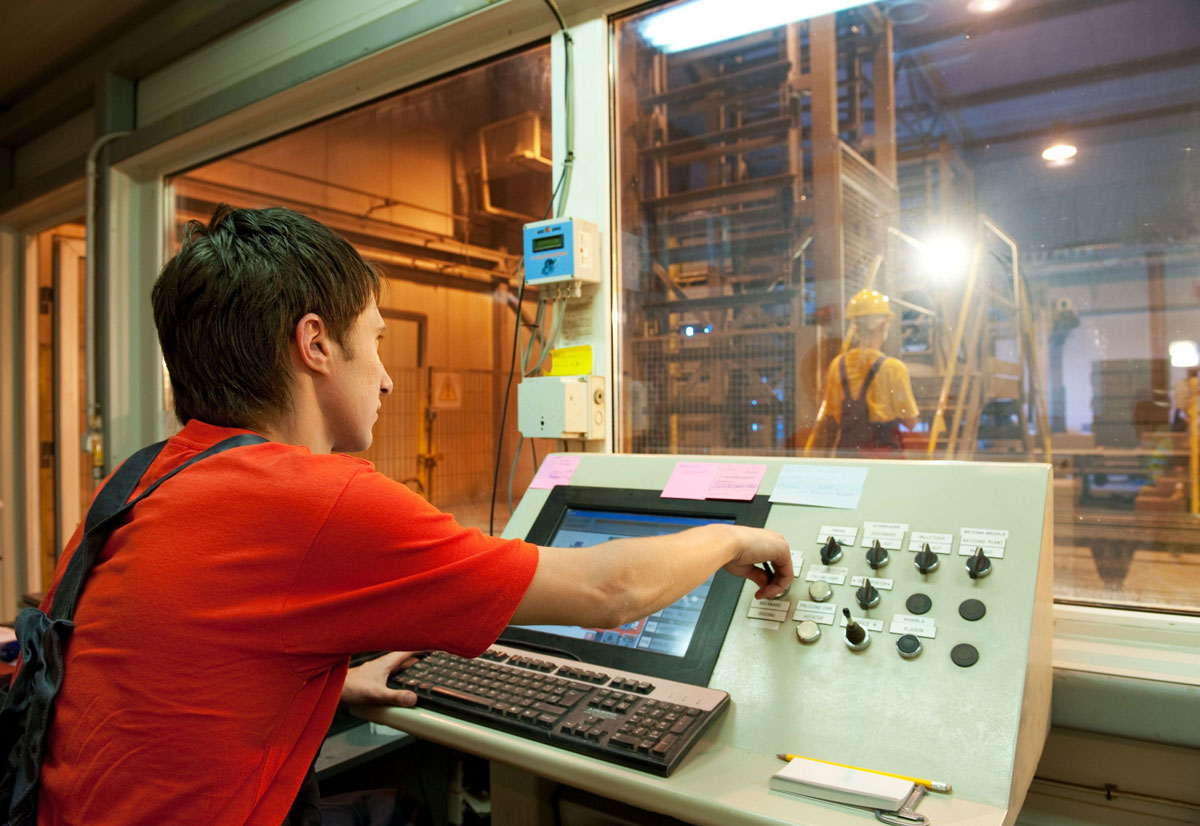
IT-supported structures are deeply rooted in process automation. Therefore, powerful computer equipment constitutes the actual backbone of each control room application. The use of a KVM matrix, like the ControlCenter-Compact, improves the IT infrastructure and harmonizes spatially distributed installations. KVM matrix systems switch and distribute computer signals and are used whenever you need to operate several computers remotely via different, simultaneous workstations. They help to house the powerful equipment in separate rooms, since harsh production conditions such as heat, dust, humidity, and electromagnetic fields can interfere with the proper functioning of the devices.
Therefore, it is extremely useful to protect the systems by placing them into air-conditioned server rooms, where you can also centrally maintain them without disturbing work in the production area or the control room. To bridge the distance to the control room, you can use modules that communicate with the KVM matrix. Special components let you create workplaces with multiple monitors, thus helping operators in control rooms to intuitively monitor processes for several computers simultaneously.
More on KVM for Industrial Process Automation
Now that you have a more clear understanding of KVM and how it works, in upcoming blog posts, we will address how G&D has worked seamlessly within the industrial automation industry with more specific examples of how our KVM products and solutions have been installed in manufacturing and industrial control rooms across the globe.
Frequently Asked Questions
What is KVM and why do data centres use it?
KVM (Keyboard, Video, Mouse) technology allows operators to control multiple computers from a single workstation using one keyboard, mouse, and monitor setup. Data centres use KVM systems to reduce physical clutter, improve ergonomics, enable remote administration from temperature-controlled locations, and centralize control room operations without disrupting active processes.
What’s the difference between KVM extenders and KVM switches?
KVM extenders transmit a single computer’s signal over distance (via IP or classical KVM), allowing you to store computers remotely while controlling them from a nearby console. KVM switches do the opposite—they let one console control multiple computers locally, supporting up to 64 systems when cascaded together.
Can I use KVM for remote access across different locations?
Yes, KVM extenders support IP-based transmission, enabling remote access across different physical locations. This is particularly useful for distributed control rooms or when you need to manage industrial automation systems from geographically separated facilities without moving equipment.
How do KVM systems improve security in industrial automation environments?
KVM systems provide access control by storing computers in secure, temperature-controlled environments away from the control room, limiting USB access, and enabling administration without direct physical access. This reduces unauthorized access risks and prevents staff disruption while maintaining security compliance for critical process automation.
What video formats do industrial KVM systems support?
Modern KVM solutions support multiple video input formats including DisplayPort, DVI, HDMI, and VGA, providing flexibility to connect legacy and current equipment. This broad compatibility makes KVM systems suitable for mixed-hardware environments common in established industrial automation setups.
How do KVM matrix systems work for multi-console control rooms?
KVM matrix systems use a central module to connect multiple computers with multiple consoles (each with display, keyboard, and mouse), allowing different operators to control different systems simultaneously. This architecture is essential for large control rooms managing complex industrial processes that require parallel monitoring and operation across multiple workstations.
Published by
eNOVA Technologies is Singapore's specialist distributor for data centre IT management solutions, representing Adder, Guntermann & Drunck, Raritan, Sunbird, ZPE Systems, and VuWall across Singapore and Southeast Asia. Our technical content is produced with AI assistance and reviewed by our in-house team before publication.
This article was produced with AI assistance and reviewed by the eNOVA Technologies team. All technical claims are verified against manufacturer documentation.