


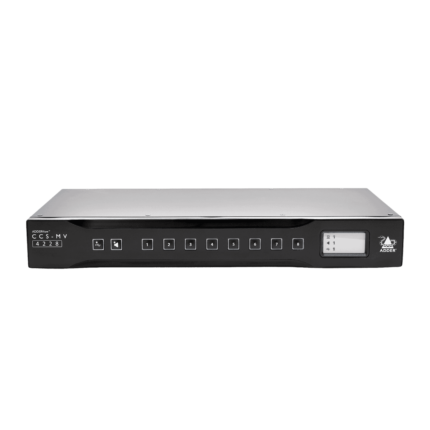






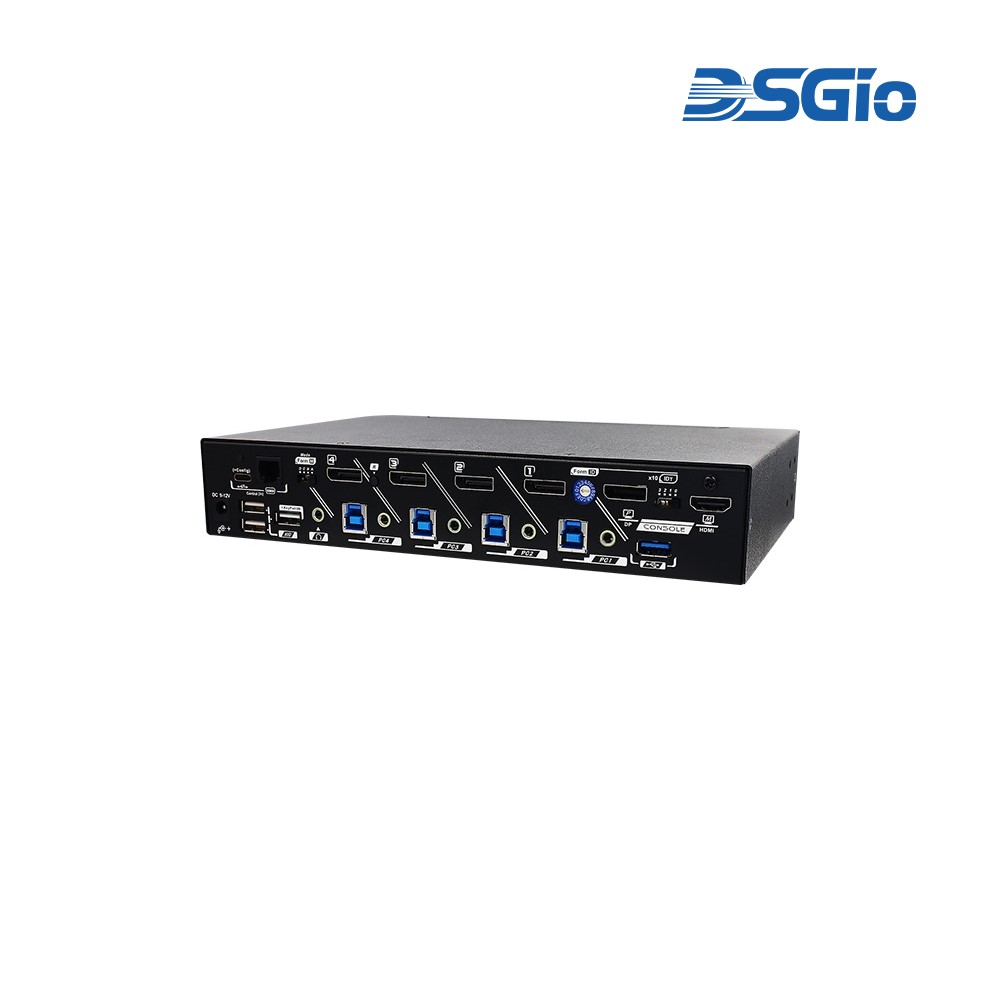
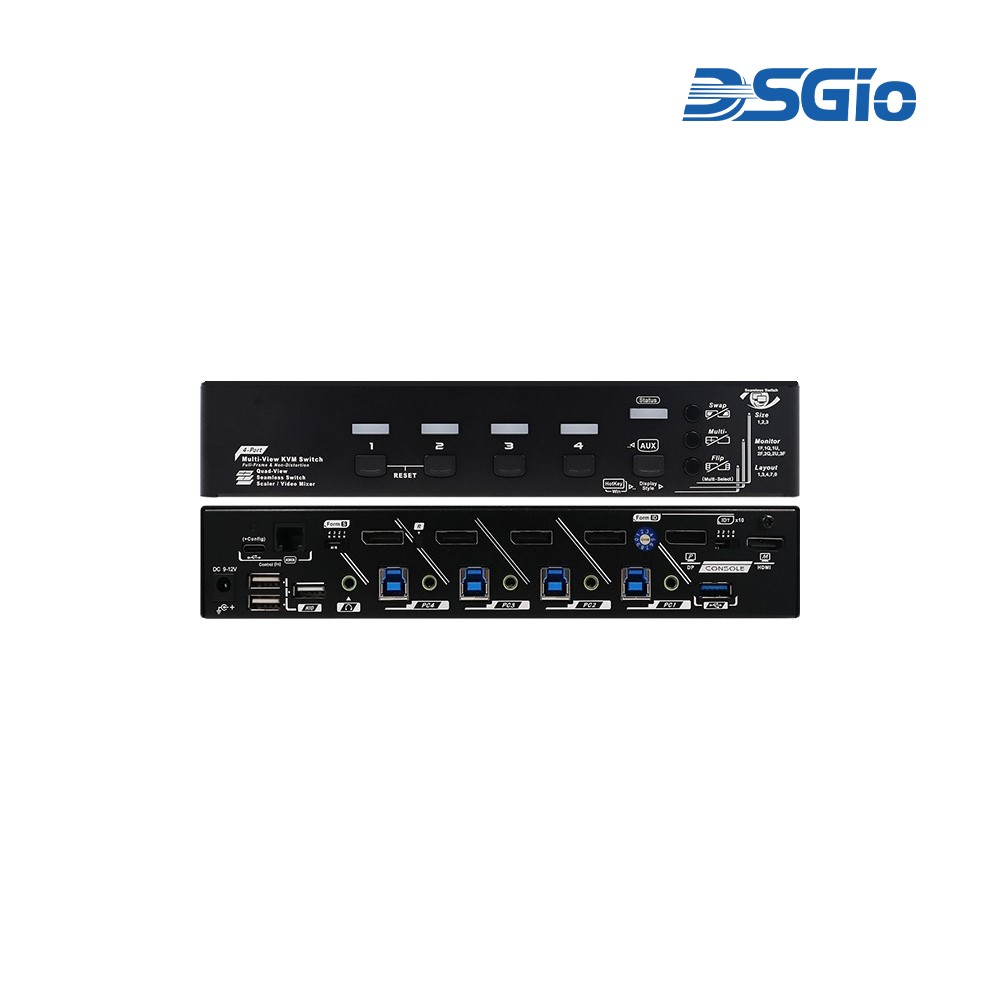

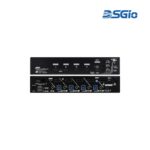


KMV-4KD41-U30R 4-Port 4K60 DisplayPort KVM Multiview Switch, Quad/PIP/PBP
Contact for Price
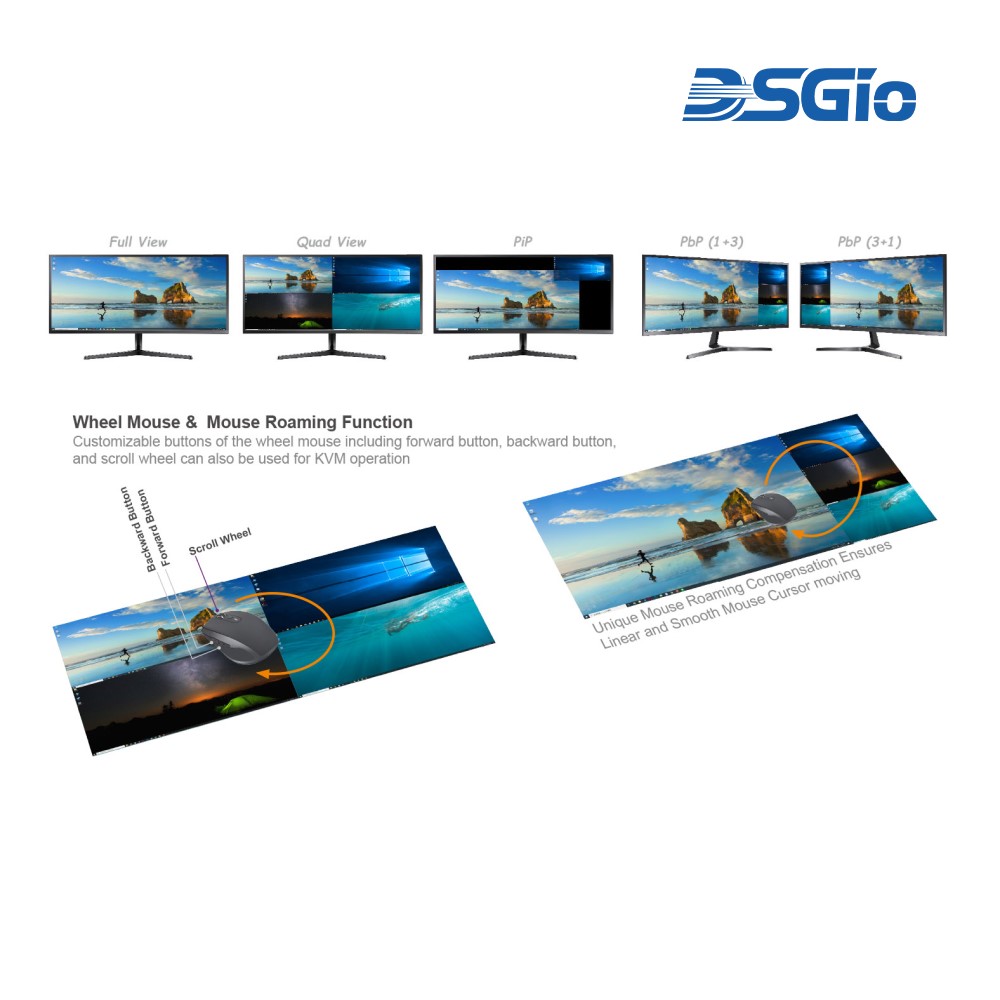
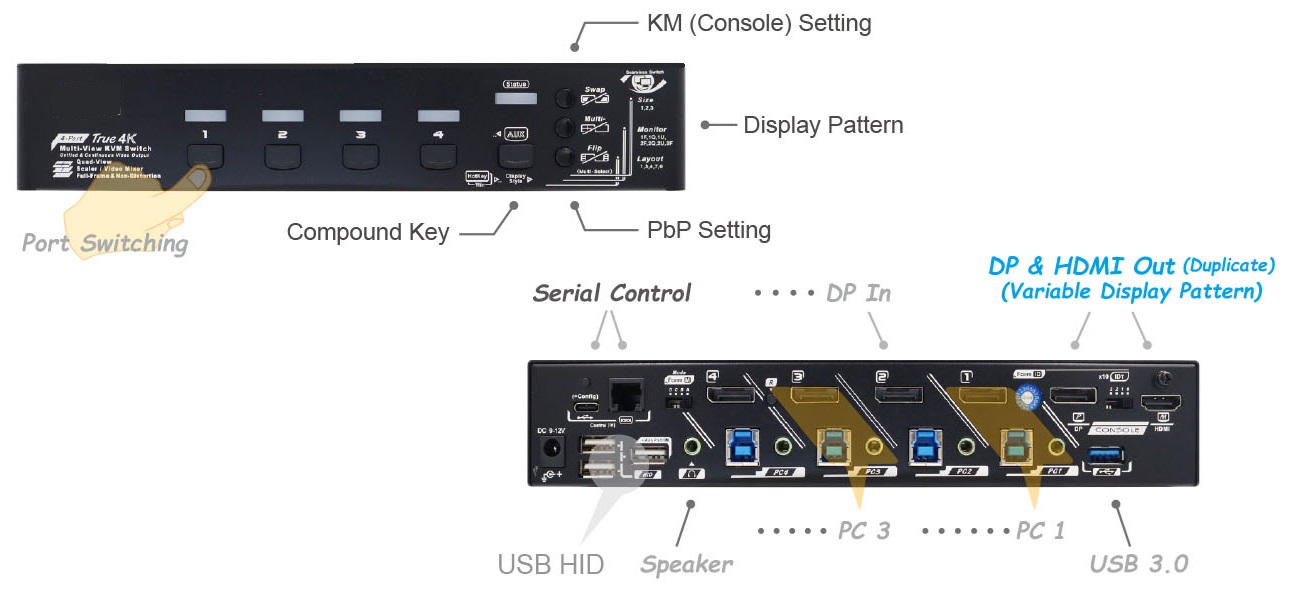
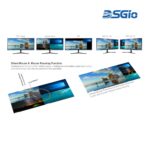
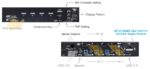
4 Ports 4K60 DisplayPort KVM Multiview Switch with Seamless Switching, Scaler, Quad View, PIP, PBP, Mouse Roaming, Button/Hotkey/Serial/Keypad IN Control.
| Brand | DSGIO |
|---|
Part number: KMV-4KD41-U30R
SKU:
KMV-4KD41-U30R
Categories: KVM Multiview Switches, KVM Switches
Description
Technical Specifications
| Maximum Resolution | 4K@60Hz (4:4:4) |
| Video Standard | DisplayPort input; DisplayPort and HDMI outputs |
| HDCP Compliance | HDCP 2.2 and 1.4 |
| Supported Aspect Ratios | 16:9, 21:9, 32:9 |
| Computer Inputs | 4 ports |
| Display Modes | Single, Quad, PiP, 1+3 PbP, 3+1 PbP |
| USB Speed | 5Gbps (USB 3.2 Gen 1) |
| Serial Interface | RJ-11 (RS-232 to RJ11), USB-C virtual COM |
| Switching Methods | Push button, mouse roaming, hotkey, mouse control, serial, keypad |
| Serial Baud Rate | 8 selectable options |
| Operating Systems | Mac, Linux, Chrome, Windows 8 or later |
| Installation | Plug-and-play, no driver required |
Source: DSGIO — KMV-4KD41-U30R 4-Port 4K60 DisplayPort KVM Multiview Switch, Quad/PIP/PBP. Verify with manufacturer.
Source: DSGIO — KMV-4KD41-U30R, KVM Multiview Switch. Verify with manufacturer.
Shipping & Delivery
Related products
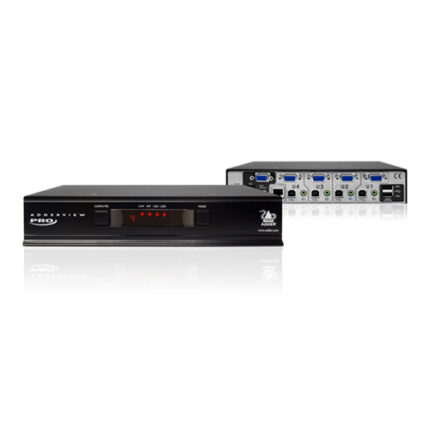
Adder ADDERView 4 PRO VGA Video & Peripheral Switch (Four Video Heads) (AV4PRO-VGA-QUAD)
Adder AV4PRO-VGA-QUAD
Key Features
- Control Four Computers with One Mouse
- Supports Four Video Heads per Channel
- Supports VGA Video
- Supports Resolutions up to 1920 x 1440
- True Emulation Technology
- EDID Emulation
- Multiple Switching
- Supports USB Peripherals
- USB Remote Wakeup
- Supports Windows, Mac, Linux, UNIX, Sun
KMS-U304 4 Ports KM (USB) Switch with USB HID, USB 3.0, Audio and Hotkey Switching, and Mouse Roaming function(KMS-U304)
4 Ports KM (USB) Switch with USB HID, USB 3.0, Audio and Hotkey Switching, and Mouse Roaming functionThe KM (USB) Switch, KMS-U304, allows users to share one set of keyboard, mouse, audio, and USB peripherals among 4 USB computers. Simply press a button, issue hotkey commands or moving the mouse cursor across the screen borders to select your desired PC for access control.