


How to Choose the Right KVM for Your Control Room: Broadcast, Command and Industrial


Choosing the right KVM switch for a control room comes down to matching the technology’s latency, video capability, and redundancy characteristics to the specific operational demands of the environment. Broadcast galleries, network operations centres, and industrial SCADA suites each impose different requirements, and selecting the wrong platform introduces risk that no operator can afford.
What Are the Three Main Control Room Environments That Need KVM?
Control rooms are not a single category. The workflows, signal types, and consequences of downtime vary significantly across broadcast media production, command and operations centres, and industrial process control environments. Understanding those differences is the first step in specifying the correct KVM architecture.
How Does a Broadcast Gallery Use KVM?
A broadcast production gallery is one of the most demanding visual environments in existence. Producers, directors, and technical operators simultaneously monitor multiple video feeds, graphics systems, audio consoles, and playout servers — often switching between sources in real time during a live transmission. Latency is critical: any perceptible delay between a keyboard or mouse action and the on-screen response disrupts workflows that run to frame-accurate timecodes.
Key requirements in this environment include:
- Video resolutions up to 4K UHD (3840 × 2160) with support for high frame rates
- End-to-end latency below 1 ms for local switching, and under 10 ms for IP-extended connections
- Multi-viewer capability to aggregate multiple computer sources onto a single display
- Seamless switching without black frames or sync loss during live production
- Support for USB HID peripherals including specialist broadcast control surfaces
A real use case: a major regional broadcaster uses IP KVM to connect a centralised server room to multiple production galleries across the facility. Operators in each gallery access dedicated playout, graphics, and production servers without any hardware located at the desk. The Adder ALIF series, distributed by eNOVA Technologies in Singapore, is frequently deployed in this context. The ALIF range transmits video, USB, and audio over standard Gigabit or 10 Gigabit Ethernet infrastructure, supporting resolutions up to 4K and delivering the low-latency performance that broadcast workflows demand.
What Does a Network Operations Centre or Command Centre Require from KVM?
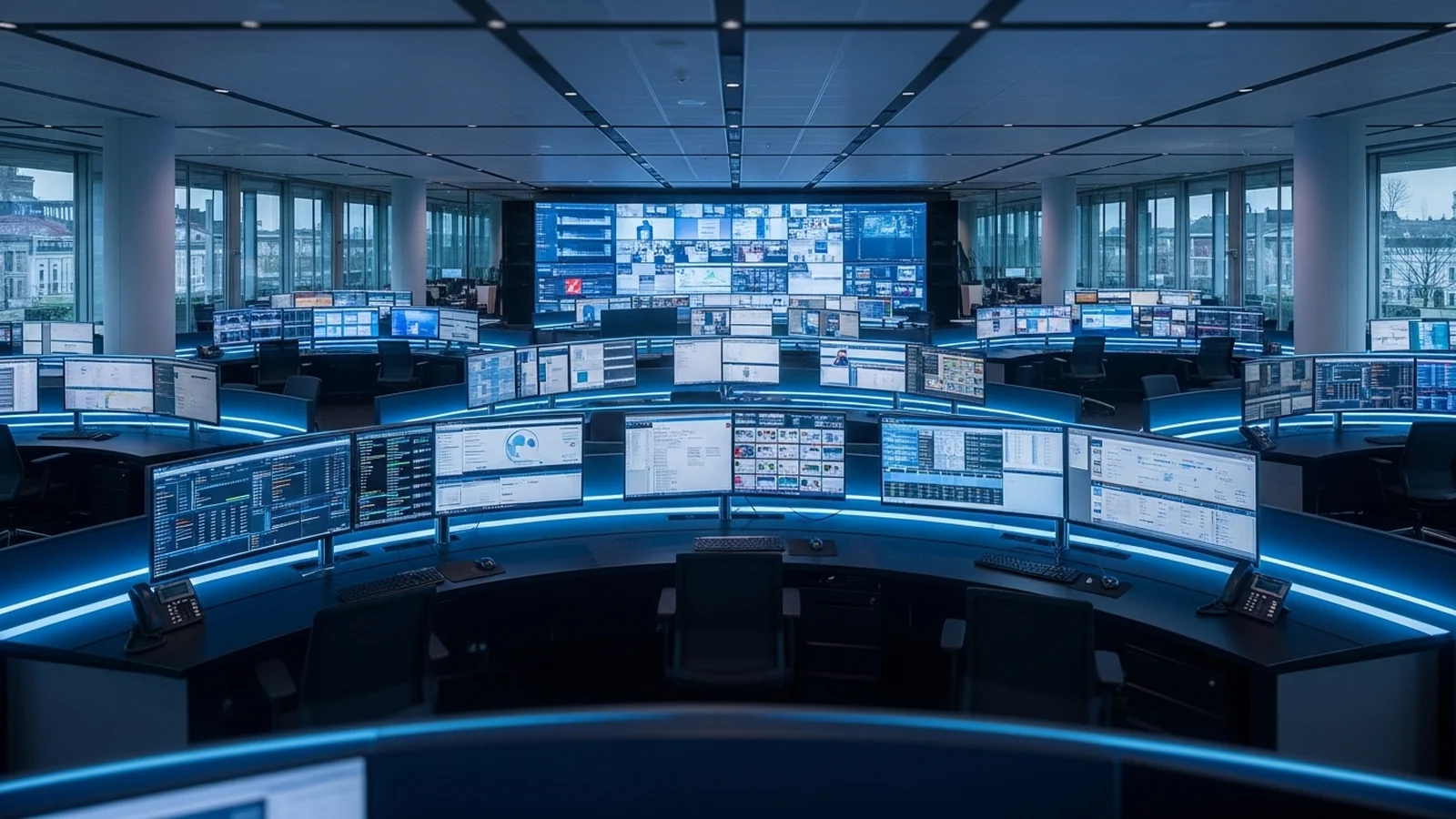
A network operations centre (NOC) or security command centre operates continuously, often at 24/7/365 availability. Operators manage large numbers of servers, network devices, and monitoring platforms from fixed workstations, and the consequences of losing access to critical systems — even momentarily — can cascade into service outages or security incidents.
The defining requirements here are:
- High system availability with hardware redundancy and failover at both the switch and power supply level
- Centralised access to hundreds of servers from a small number of operator positions
- Secure, auditable access control with role-based permissions and session logging
- Support for large-format video walls or multi-monitor operator desks
- Remote access capability for off-site engineers responding to incidents outside business hours
A practical example: a managed service provider operating a NOC across two facilities uses IP KVM to give engineers in both locations access to the same pool of managed servers. When an incident occurs at 03:00, an on-call engineer connects remotely through the KVM platform without requiring physical access to the data centre. G&D ControlCenter solutions, also available through eNOVA Technologies, address this environment directly. G&D’s matrix KVM systems support large-scale deployments — some configurations accommodate over 1,000 sources — with dual power supplies, redundant signal paths, and granular user permission management built into the platform.
How Do Industrial and SCADA Control Rooms Differ?
Industrial control rooms managing utilities, oil and gas pipelines, water treatment, or manufacturing processes operate under a different set of constraints again. The computing environment often includes legacy systems running proprietary operating systems, DVI or VGA video outputs, and serial interfaces alongside modern IP infrastructure. Environmental conditions may include temperature extremes, vibration, and electromagnetic interference that would not exist in a commercial data centre.
Critical requirements include:
- Support for legacy video standards (VGA, DVI-D) alongside DisplayPort and HDMI
- Deterministic, uninterrupted access to SCADA workstations with no tolerance for dropped sessions
- Physical and logical security to comply with industrial cybersecurity frameworks such as IEC 62443
- CATx cabling compatibility for sites where fibre infrastructure has not been deployed
- Long product lifecycles and guaranteed long-term vendor support
A utility company managing a regional electricity distribution network uses KVM extenders over CATx cabling to separate operator workstations from SCADA servers by up to 300 metres (per Adder’s specifications, subject to cable quality and installation) — removing sensitive control hardware from the operator floor while maintaining real-time control. The Adder CATx series supports this architecture, extending KVM signals over standard Cat 5e or Cat 6 cable with resolutions up to 1920 × 1200 and transparent USB support for legacy industrial peripherals.
How Does IP KVM Enable Remote Operators in Control Rooms?
IP KVM moves signal transport from proprietary cabling or dedicated matrix hardware to standard Ethernet infrastructure. This has a profound operational implication: operators are no longer tethered to a physical location. An engineer can access a control room workstation from a remote site, a home office, or a secondary facility using a software client or a dedicated IP KVM receiver unit, provided they have network access and the appropriate credentials.
In broadcast environments, this allows production staff to access on-premise playout and graphics systems during remote productions — a workflow that became operationally essential during the pandemic and has remained standard practice. In NOC environments, it enables follow-the-sun support models where incident response shifts seamlessly between geographically distributed teams. In industrial settings, remote access allows specialist engineers to interrogate SCADA workstations without travelling to a remote substation or plant facility.
Security is a non-negotiable consideration in all three cases. Enterprise-grade IP KVM platforms implement 256-bit AES encryption on all transmitted data, and access is governed by Active Directory integration, two-factor authentication, and comprehensive session audit logs.
Which KVM Architecture Is Right for Which Control Room?
| Control Room Type | Primary KVM Requirement | Recommended Architecture | Relevant Platform |
|---|---|---|---|
| Broadcast / Media Production | Ultra-low latency, 4K video, seamless switching | IP KVM over 10GbE with AV-grade encoders | Adder ALIF series |
| NOC / Command Centre | High availability, large-scale matrix, remote access | Matrix KVM with redundant hardware and IP extension | G&D ControlCenter |
| Industrial / SCADA | Legacy signal support, deterministic access, long lifecycle | CATx KVM extenders with optional IP gateway | Adder CATx series |
What Should You Verify Before Specifying a Control Room KVM?
Before finalising a KVM specification, operators and facilities managers should confirm the following: the maximum video resolution and frame rate of all connected sources; the total number of computer sources and operator positions required now and within a five-year growth horizon; the existing cabling infrastructure and whether a fibre or CATx topology is in place; the network switching capacity available to carry KVM traffic without contention; and the cybersecurity and compliance obligations that govern access to the systems being switched.
Engaging with a solutions partner early in the design process — before cabling infrastructure is finalised or server room layouts are committed — significantly reduces the risk of costly changes during commissioning.
eNOVA Technologies works with organisations across Singapore and the region to specify, supply, and support KVM solutions for broadcast, command, and industrial control room environments. As an authorised distributor of Adder and G&D, eNOVA provides access to the full product portfolio alongside local pre-sales engineering support. To discuss your control room requirements, contact the eNOVA team directly.
Frequently Asked Questions
What is the difference between a KVM switch and a KVM extender for control rooms?
A KVM switch allows local control of multiple servers from a single keyboard, video, and mouse console, while a KVM extender transmits keyboard, video, and mouse signals over IP or fiber to remote locations, enabling off-site or geographically distributed control. Extenders introduce latency (typically 10–100 ms depending on distance and protocol), making them unsuitable for real-time broadcast work but practical for NOC monitoring and remote SCADA access. For local control room setups, switches are preferred; for remote or multi-site operations, extenders become necessary.
Why is sub-10ms latency critical for broadcast KVM systems?
Broadcast operators work to frame-accurate timecodes and real-time live transmission schedules, where any perceptible delay between a keystroke and on-screen response disrupts switching, cueing, and playout timing. Sub-10 ms latency ensures operator actions feel instantaneous, maintaining the workflow rhythm required during live events where corrections must happen in milliseconds. Latency above 100 ms becomes actively disruptive and introduces operational error risk.
What KVM specifications do Singapore data centre managers need for command and control environments?
Singapore NOCs and command centres require KVM systems with 1Gbps or 10Gbps IP connectivity for reliable remote access, redundancy across multiple network paths (often dual ISP), and support for 1080p to 4K resolutions across 6–12+ monitor walls. Local failover and geographic failover capabilities are essential in APAC’s critical infrastructure context, where network outages and natural disasters can impact operations. Many regional operators also mandate ASEAN or locally-hosted control options to meet data residency and compliance requirements.
How do you ensure KVM redundancy in industrial SCADA control rooms?
Redundancy is achieved through dual KVM switches (active-active or active-passive configuration), separate network infrastructure for failover KVM extenders, and heartbeat monitoring that automatically switches operator consoles to backup systems within seconds. UPS backup power and cross-connected switching fabric ensure that a single hardware failure does not interrupt process monitoring or emergency shutdown capability. Regular failover testing and documented runbook procedures are essential to validate that operators can maintain situational awareness during an outage.
Should a control room KVM support USB 3.0 or just USB 2.0?
USB 3.0 is increasingly necessary for control rooms that integrate high-speed peripherals such as video capture cards, multi-camera interfaces, or large file transfer workflows common in broadcast and engineering environments. USB 2.0 is sufficient for keyboards, mice, and audio interfaces but limits throughput for modern video ingest and real-time signal processing tools. Verify compatibility between your KVM’s USB specification and your downstream peripheral ecosystem before deployment.
What video codec should I choose for IP-based KVM in a distributed control room?
H.264 provides good balance between latency (5–50 ms) and bandwidth efficiency for most NOC and SCADA environments, while H.265 (HEVC) reduces bandwidth by 40–50% at the cost of slightly higher processing latency. For broadcast galleries requiring sub-5 ms latency, uncompressed or visually lossless codecs (such as JPEG 2000) over dedicated fiber or local-area networks are preferred. Evaluate your network infrastructure, latency budget, and video quality requirements before codec selection—there is no universal answer.

Published by
eNOVA Technologies is Singapore's specialist distributor for data centre IT management solutions, representing Adder, Guntermann & Drunck, Raritan, Sunbird, ZPE Systems, and VuWall across Singapore and Southeast Asia. Our technical content is produced with AI assistance and reviewed by our in-house team before publication.
This article was produced with AI assistance and reviewed by the eNOVA Technologies team. All technical claims are verified against manufacturer documentation.