



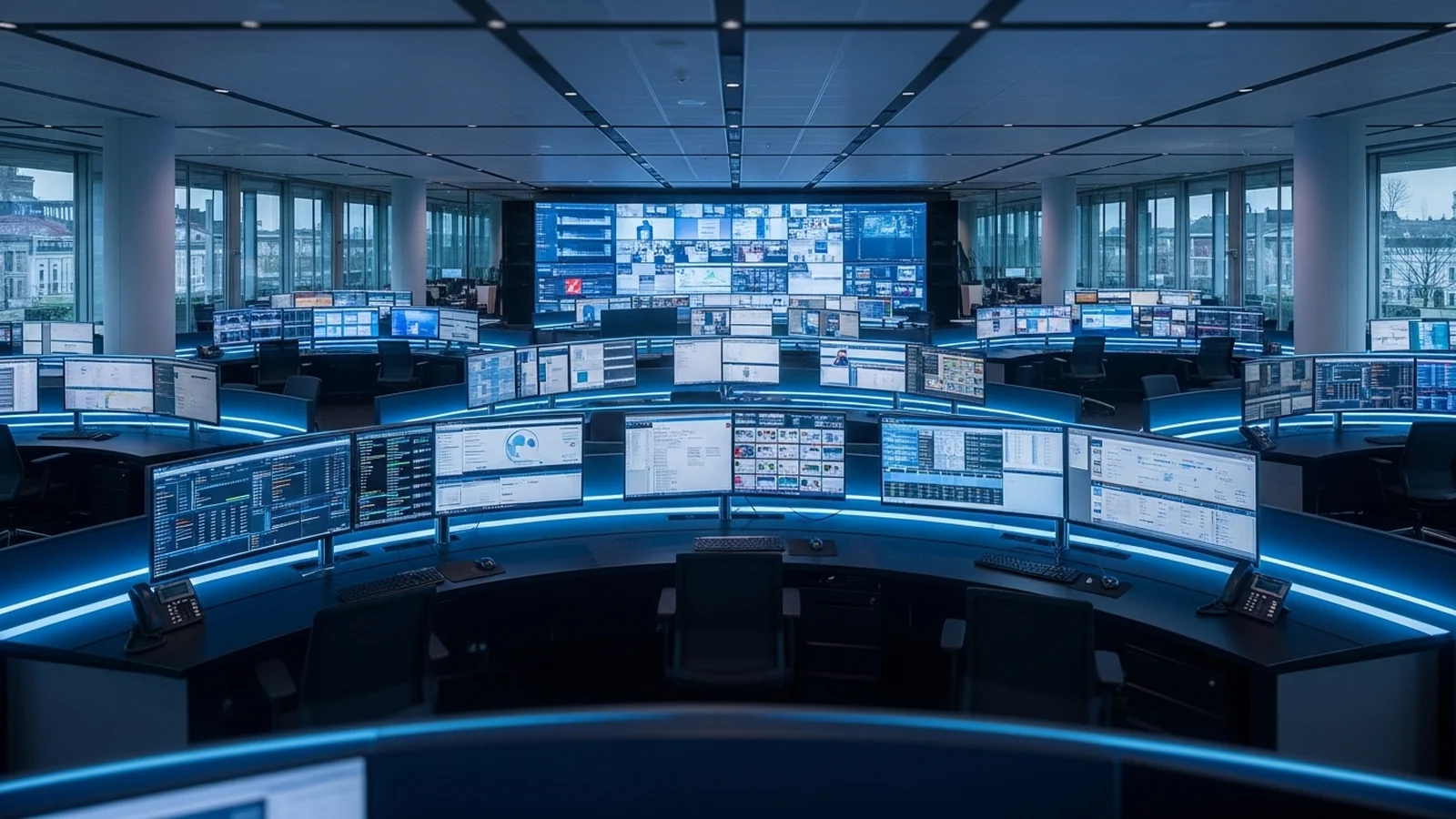
Video Wall Technology Explained: How Modern Operations Centres Visualise Data

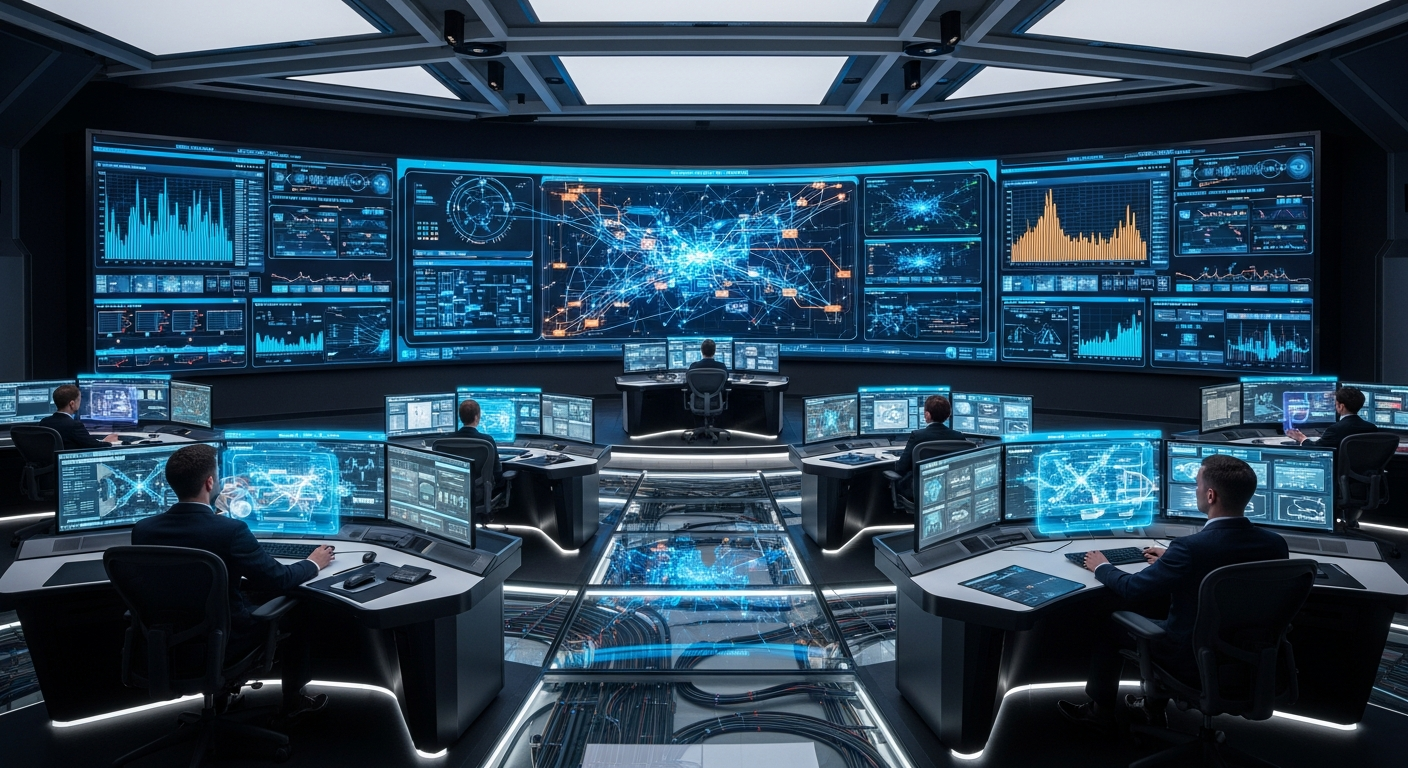
A video wall is a tiled array of display panels driven by a centralised processor that ingests multiple sources, composites them into a unified canvas, and outputs each panel’s pixel region in real time. For operations and control centres — where situational awareness can determine response times measured in seconds — the architecture underpinning that canvas matters as much as the screens themselves.
How Does a Video Wall Processor Actually Work?
At its core, a video wall processor is a real-time compositing engine. It accepts video inputs — IP streams, SDI feeds, HDMI sources, display-over-network signals — decodes them simultaneously, and maps each decoded frame onto a logical canvas that may span dozens of physical displays. The processor then slices that canvas into individual output tiles, each driving one panel at its native resolution.
Modern processors handle this at very low latency, typically under 100 milliseconds end-to-end for hardware-based pipelines, which is critical in network operations centres (NOCs) where engineers must correlate live alarms across multiple data streams without perceivable lag. The processor also manages frame synchronisation across outputs, so panel-to-panel refresh skew — visible as a rolling tear across the wall — is eliminated.
What Is the Difference Between Hardware and Software Video Wall Processors?
Hardware processors use dedicated FPGA or ASIC silicon to decode and composite streams, delivering deterministic latency and high input counts without relying on a general-purpose CPU. Software processors run on standard servers, offering greater flexibility and lower upfront cost but introducing variable latency tied to host CPU load. Hybrid architectures, common in enterprise control rooms, place decode acceleration on GPU or FPGA cards hosted inside a server chassis, combining headroom for software-defined layouts with hardware-grade performance.
AV-over-IP vs Matrix Switching: Which Architecture Fits a Control Room?
The two dominant distribution architectures for control room AV are traditional matrix switchers and AV-over-IP (AVoIP) fabrics. Each has a distinct engineering profile.
| Criteria | Matrix Switching | AV-over-IP |
|---|---|---|
| Latency | Sub-frame (<1 ms typical) | 1–16 ms depending on codec and switch |
| Scalability | Fixed port count; chassis expansion required | Near-unlimited via standard Ethernet switches |
| Cabling infrastructure | Dedicated coax or fibre per route | Structured CAT6A or fibre IP network |
| Flexibility | Point-to-point or limited multicast | Any-to-any, true multicast, simultaneous multi-destination |
| Cost at scale | High; large matrices are expensive | Lower incremental cost using commodity networking |
Broadcast environments with strict uncompressed video requirements often retain matrix switching for confidence monitoring, while enterprise NOCs and smart-building control rooms increasingly migrate to AVoIP. The SMPTE ST 2110 and IPMX standards have accelerated this transition by defining interoperable transport for professional video over IP networks, allowing sources from different vendors to coexist on a common fabric.
How Are Video Walls Configured for Display Quality?
What Is Bezel Compensation and Why Does It Matter?
Physical display panels have bezels — the plastic or metal border surrounding the active LCD or LED area. When panels are tiled, content that crosses panel boundaries appears to jump unless the processor accounts for the bezel width. Bezel compensation calculates the physical gap between active areas and offsets pixel mapping so that a diagonal line, for example, remains visually continuous across the array. A typical commercial display bezel measures 3–10 mm; fine-pitch LED tiles used in broadcast and high-end control rooms can approach 0.9 mm, making compensation less visually critical but still required for geometric accuracy.
How Does Pixel Mapping Ensure Accurate Rendering?
Pixel mapping assigns each logical canvas coordinate to a specific physical output pixel on a specific panel. Accurate mapping requires the processor to know the exact native resolution of every panel in the array, the physical arrangement (rows, columns, orientation), and any rotation applied to individual panels. Errors in pixel mapping produce content that appears stretched, cropped, or misaligned. Enterprise-grade processors allow per-panel calibration, compensating for minor dimensional inconsistencies between panel units of the same model — particularly relevant for LCD video walls where manufacturing tolerances can introduce sub-millimetre size variation.
How Are Sources Managed and Layouts Changed Dynamically?
Source management in a modern video wall system involves three layers: ingestion, routing, and presentation. Ingestion handles decode of incoming signals — which may number in the hundreds in a large NOC. Routing determines which decoded sources are currently active on the canvas. Presentation defines the layout: the position, size, and z-order of each source window.
Dynamic layout switching allows operators to move between pre-defined or ad hoc arrangements without interrupting ongoing monitoring. A NOC manager might switch from a standard eight-source grid during steady-state operations to a crisis layout that expands a single network map to full-wall size with sub-second transition. Presets are stored in the processor and recalled via operator workstations, hardware button panels, or integration with third-party control systems using APIs or serial control protocols such as RS-232 and TCP/IP command sets.
Role-based access control is increasingly standard, ensuring that only authorised operators can modify the wall layout, protecting situational awareness integrity during shift handovers.
How Do Video Walls Integrate with KVM and DCIM Systems?
Integration with keyboard-video-mouse (KVM) infrastructure allows operators at a video wall to take interactive control of any source displayed on the canvas — selecting a server feed, for instance, and then operating that server’s desktop directly from the control room console without physical proximity to the machine. This is particularly valuable in data centre operations, where the KVM layer connects to tens or hundreds of servers, and the video wall provides the shared situational display while individual operator stations handle interactive tasks.
Integration with data centre infrastructure management (DCIM) platforms adds a second dimension: live operational metrics — power usage effectiveness (PUE), cooling capacity, rack utilisation, alarm states — can be rendered as dynamic data overlays or dedicated dashboard windows on the video wall. This gives NOC teams a single-pane-of-glass view that correlates physical infrastructure health with network and application performance.
What Video Wall Solutions Does eNOVA Technologies Supply?
eNOVA Technologies is an authorised distributor of VuWall video wall solutions in Singapore. VuWall’s product line includes the TRx video wall processor series, which supports AVoIP input via the IPMX standard alongside traditional HDMI, DisplayPort, and SDI sources. TRx units scale from compact four-output configurations suited to small control rooms to enterprise deployments handling over 100 simultaneous sources across multi-wall environments. VuWall’s PAX software platform provides the centralised management layer, enabling operators to design layouts, manage sources, and define user roles from a browser-based interface without requiring dedicated client software on every workstation. VuWall’s architecture is designed to integrate with third-party KVM systems and DCIM dashboards via open APIs, making it a practical fit for the hybrid IT and AV environments common in Singapore’s data centre and smart building sectors.
eNOVA also distributes complementary infrastructure from Raritan for intelligent power and KVM, Adder and G&D for high-performance KVM extension and switching, Sunbird for DCIM, and ZPE Systems for out-of-band network management — allowing operations centre deployments to be specified and supported from a single regional partner.
To discuss video wall architecture for your operations centre, or to request a demonstration of VuWall solutions, contact the eNOVA Technologies team at https://enova.sg/contact/.
Frequently Asked Questions
What latency should a video wall processor have for a NOC?
Enterprise-grade video wall processors should deliver end-to-end latency under 100 milliseconds for real-time operations centres, where sub-second response times are critical for incident correlation. Hardware-based FPGA or ASIC processors typically achieve this deterministic latency, while software solutions may introduce 200–500ms delays depending on network conditions and CPU load.
Hardware vs software video wall processor: which is better for data centres?
Hardware processors (FPGA/ASIC) offer deterministic low latency, higher input capacity, and frame synchronisation without panel skew—essential for NOCs handling dozens of live feeds. Software processors are more cost-effective and flexible for smaller installations or non-critical monitoring, but introduce variable latency and require significant CPU overhead.
Can a video wall processor handle both IP streams and SDI inputs?
Yes, modern video wall processors support multiple input types simultaneously—IP streams (RTMP, RTP, SRT), SDI feeds, HDMI, and proprietary display-over-network protocols—and composite them onto a single unified canvas in real time. The processor decodes each input independently and maps it to your logical layout, whether that’s a 2×3 grid or a complex multi-zone display.
How many displays can one video wall processor control?
Hardware processors typically support 16–64 physical displays in a single cluster, though enterprise installations can scale beyond this using multiple processors in a redundant configuration. The exact number depends on input stream count, resolution (4K adds significant processing load), and the processor’s FPGA capacity or ASIC design.
What causes panel-to-panel tearing on video walls and how do you fix it?
Panel tearing (visible rolling distortion across the wall) occurs when individual displays refresh at slightly different times due to unsynchronised output timing. A video wall processor eliminates this by managing frame synchronisation across all outputs, ensuring every panel refreshes in lockstep—a feature absent in cheaper software-only solutions or poorly configured systems.
Do Singapore data centres need video wall processors for compliance or redundancy?
While not a regulatory requirement, Singapore’s tier-3/tier-4 data centres and regional NOCs increasingly deploy video wall systems for real-time infrastructure monitoring, security feeds, and multi-tenant SLA compliance visibility. Redundant dual-processor configurations are standard in financial services and cloud operations to meet 99.99% uptime expectations across APAC operations.

Published by
eNOVA Technologies is Singapore's specialist distributor for data centre IT management solutions, representing Adder, Guntermann & Drunck, Raritan, Sunbird, ZPE Systems, and VuWall across Singapore and Southeast Asia. Our technical content is produced with AI assistance and reviewed by our in-house team before publication.
This article was produced with AI assistance and reviewed by the eNOVA Technologies team. All technical claims are verified against manufacturer documentation.