KVM & IP Control
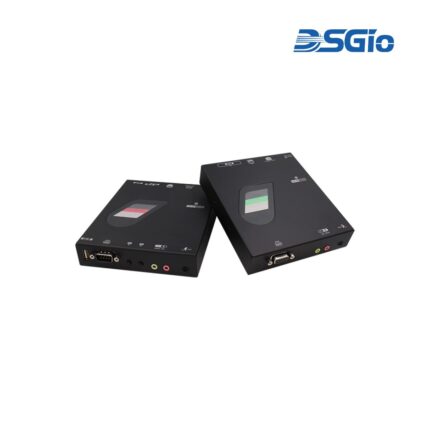
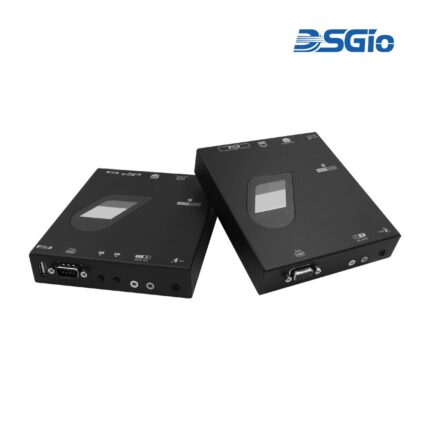
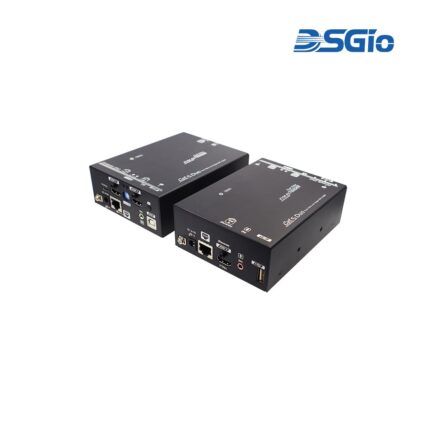
IPXF-D430-SH150 4K30 Single Head DisplayPort KVM Extender over CATx, 150m
IPXF-D430-SH550F/SH00KF
IPXF-DD430-DSC1K 4K30 Dual Head DP KVM Extender, Dual Duplex SC, MMF, 1Km
IPXF-H430-DH20KF 4K30 Dual Head HDMI KVM Extender, Single SM Fiber, 20Km
IPXF-H430-SH150 4K30 Single Head HDMI KVM Extender over CATx, 150m
IPXF-H430-SH550F/SH00KF
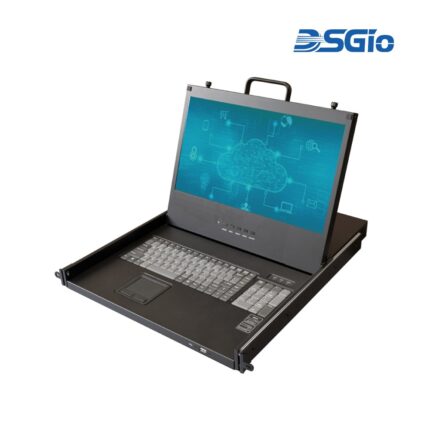
KCD-FH17-SS3V 17.3″ Full HD TFT LCD Console Drawer, US Keyboard
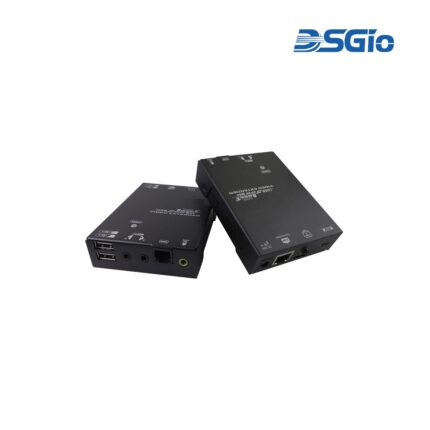
KEX-HBT-SH100 1080P HDMI KVM Extender over CATx with SPK Out, 2-Way IR
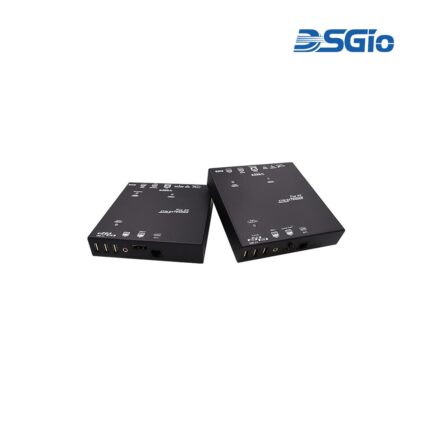
KEX-HBT3-DH90 Dual-Head HDBaseT 3.0 Extender (KEX-HBT3-DH90)
Supports Dual 4K60 HDMI Video over Single CATx with 720P Video Return, Audio Embedding/Extracting, Audio, RS-232 and USB 2.0 Extension, 70 ~ 100m. Includes EDID Management Support for Dual 4K, ATC & Medical ResolutionsThe Dual-Head HDBaseT 3.0 Extender supports uncompressed True 4K HDMI 2.0 video transmission over distances of 70 to 100 meters with a single CAT6a/7 cable. It handles various resolutions, including 4K@60Hz (4:4:4), 5K, and specialised formats like 2048x2048 and 6MP for medical applications. EDID Management ensures display compatibility, while USB 2.0 extension allows remote access to keyboards, mice, and other devices. It also includes serial extension for integration with control systems. Additional functionalities like audio embedding, extraction, and video return offer versatile AV flexibility.
KEX-HBT3-SD90P 4K60 DisplayPort HDBaseT 3.0 KVM Extender, Dual Console, Audio, RS-232, USB 2.0, PoH, 90m (KEX-HBT3-SH90P)
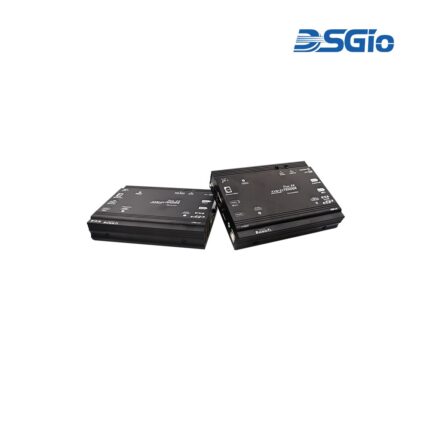
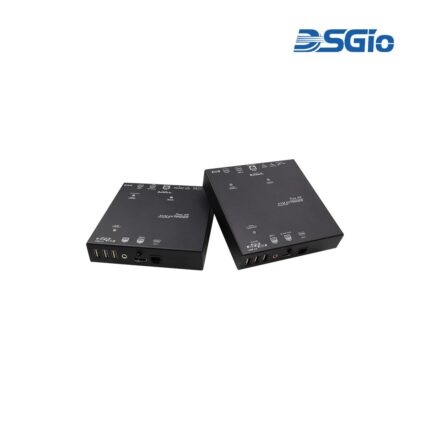
DSGIO's 4K60 DisplayPort HDBaseT 3.0 KVM Extender with Dual Console, Dual-User Access, Local Out, Audio Embedding/Extracting, RS-232, USB 2.0, PoH, 90mThe DisplayPort HDBaseT 3.0 KVM Extender, KEX-HBT3-SD90P, consists of a Transmitter (Host/PC) and a Receiver (USB Device) unit. It allows you to extend DisplayPort/HDMI, USB 2.0, 3.5mm Audio, and Serial signals up to 85~100 meters. Based on the latest HDBaseT 3.0 technology, the CATx DP Extender supports uncompressed 720p/1080p/4K@60Hz (4:4:4) video and 480Mbps USB 2.0 signals.
KEX-HBT3-SH5K90 HDMI Supports Dual KVM Console, Local Out, 720P Video Return, Audio Embedding / Extracting, RS-232 Extension, USB 2.0 Extension, 4K / 5K / ATC / Medical Resolutions (KEX-HBT3-SH5K90)
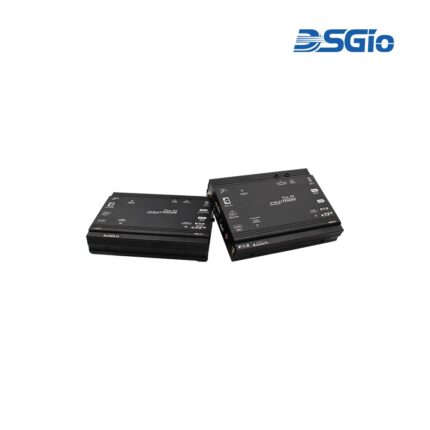
Supports Dual KVM Console, Local Out, 720P Video Return, Audio Embedding / Extracting, RS-232 Extension, USB 2.0 Extension, 4K / 5K / ATC / Medical ResolutionsThe HDBaseT 3.0 extender provides reliable local and remote access up to 70 - 100 meters for true 4K HDMI 2.0 sources over CAT6a/7 cable. It supports popular resolutions, including up to 4K@60Hz (4:4:4), 5K, 2K and 12MP, making it suitable for a range of applications from AV to medical. EDID management ensures seamless compatibility with connected displays. The extender also supports USB 2.0 for remote access to keyboards, mice, and USB devices. Additionally, it features serial extension, audio embedding/extracting, and a local console mode for flexible operation.

KEX-HBT3-SH90 4K60 HDMI HDBaseT 3.0 KVM Extender, Dual Console, Audio, RS-232, USB 2.0, 90m (KEX-HBT3-SH90)
KEX-HBT3-SH90P DSGIO 4K60 HDMI HDBaseT 3.0 KVM Extender, Dual Console, Audio, RS-232, USB 2.0, PoH 48V, 90m (KEX-HBT3-SH90P)
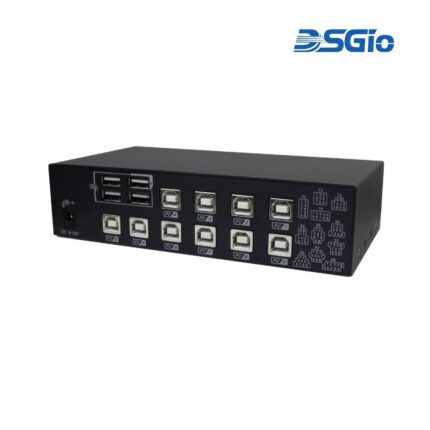
KMS-U110 10-Port KM Switch with USB HID, Mouse Roaming
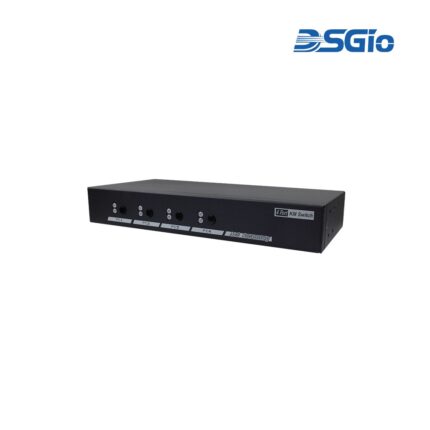
KMS-U204 4 Ports KM (USB) Switch with USB HID, USB 2.0, Audio and Hotkey Switching, and Mouse Roaming function (KMS-U204)
4 Ports KM (USB) Switch with USB HID, USB 2.0, Audio and Hotkey Switching, and Mouse Roaming functionThe KM (USB) Switch, KMS-U204, allows users to share one set of keyboard, mouse, audio, and USB peripherals among 4 USB computers. Simply press a button, issue hotkey commands or move the mouse cursor across the screen borders to select your desired PC for access control.
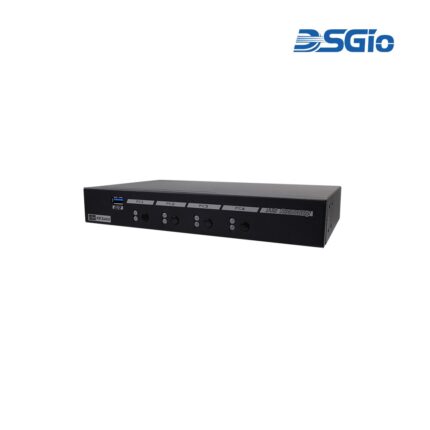
KMS-U304 4 Ports KM (USB) Switch with USB HID, USB 3.0, Audio and Hotkey Switching, and Mouse Roaming function(KMS-U304)
4 Ports KM (USB) Switch with USB HID, USB 3.0, Audio and Hotkey Switching, and Mouse Roaming functionThe KM (USB) Switch, KMS-U304, allows users to share one set of keyboard, mouse, audio, and USB peripherals among 4 USB computers. Simply press a button, issue hotkey commands or moving the mouse cursor across the screen borders to select your desired PC for access control.